
Visual Editor
Build and publish your panel website without coding.
Create pages, edit sections, change colors and typography, manage images, and preview responsive layouts from the Admin Dashboard.
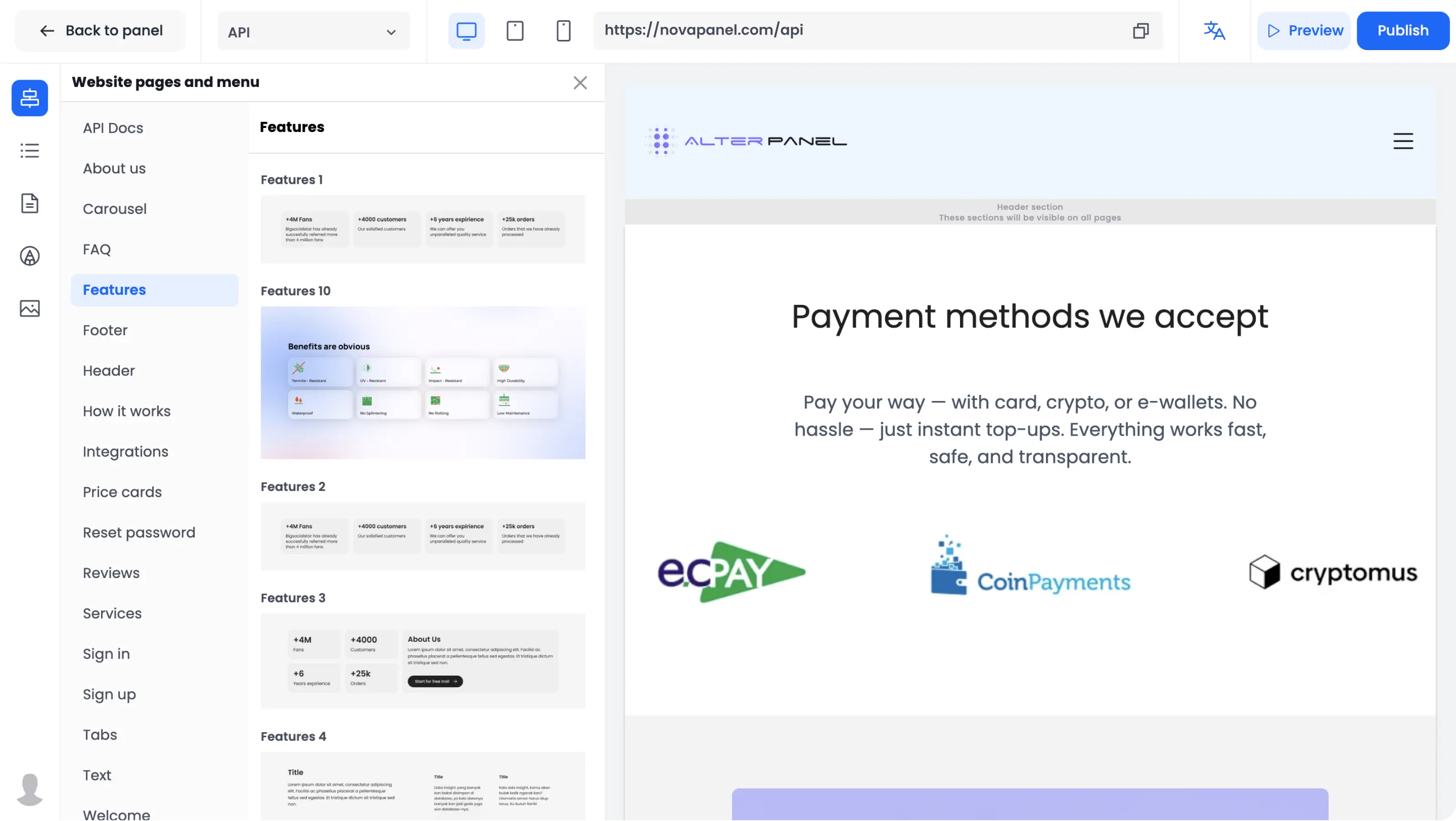
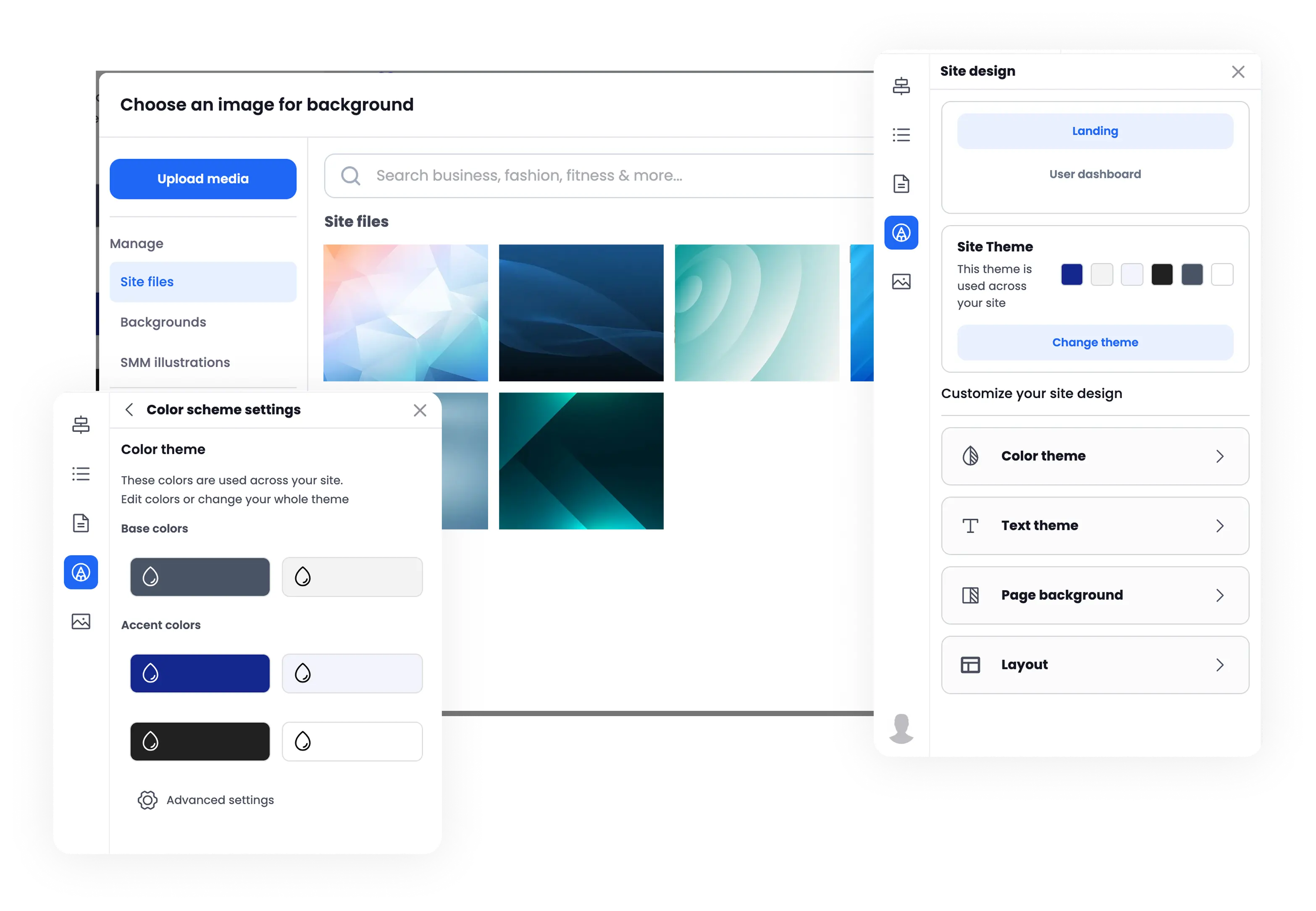
Manage your website design settings.
Choose a preset or configure colors, typography, backgrounds, and button styles. Global design settings apply consistent styles across supported pages and sections.
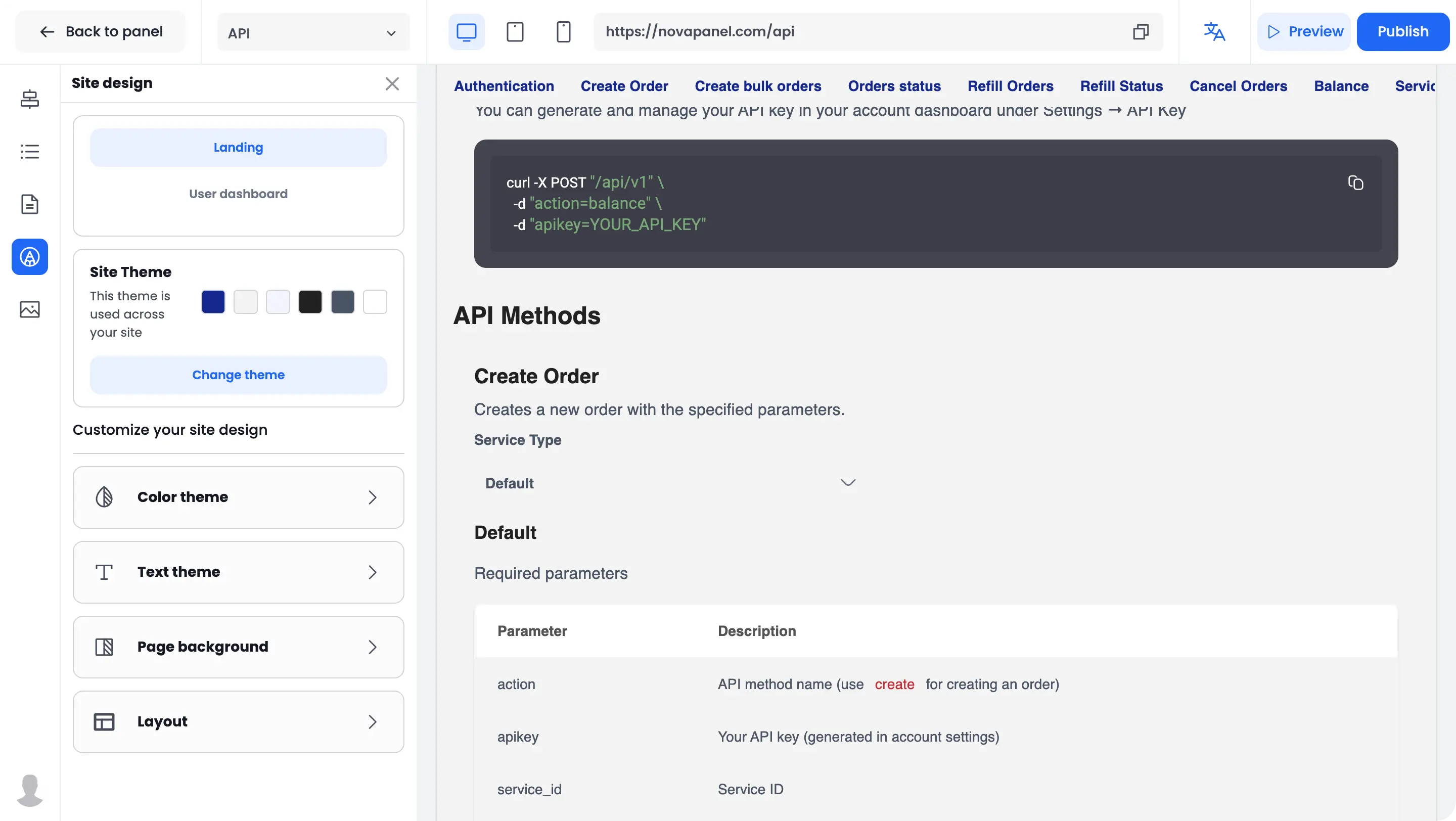
Build pages from reusable sections.
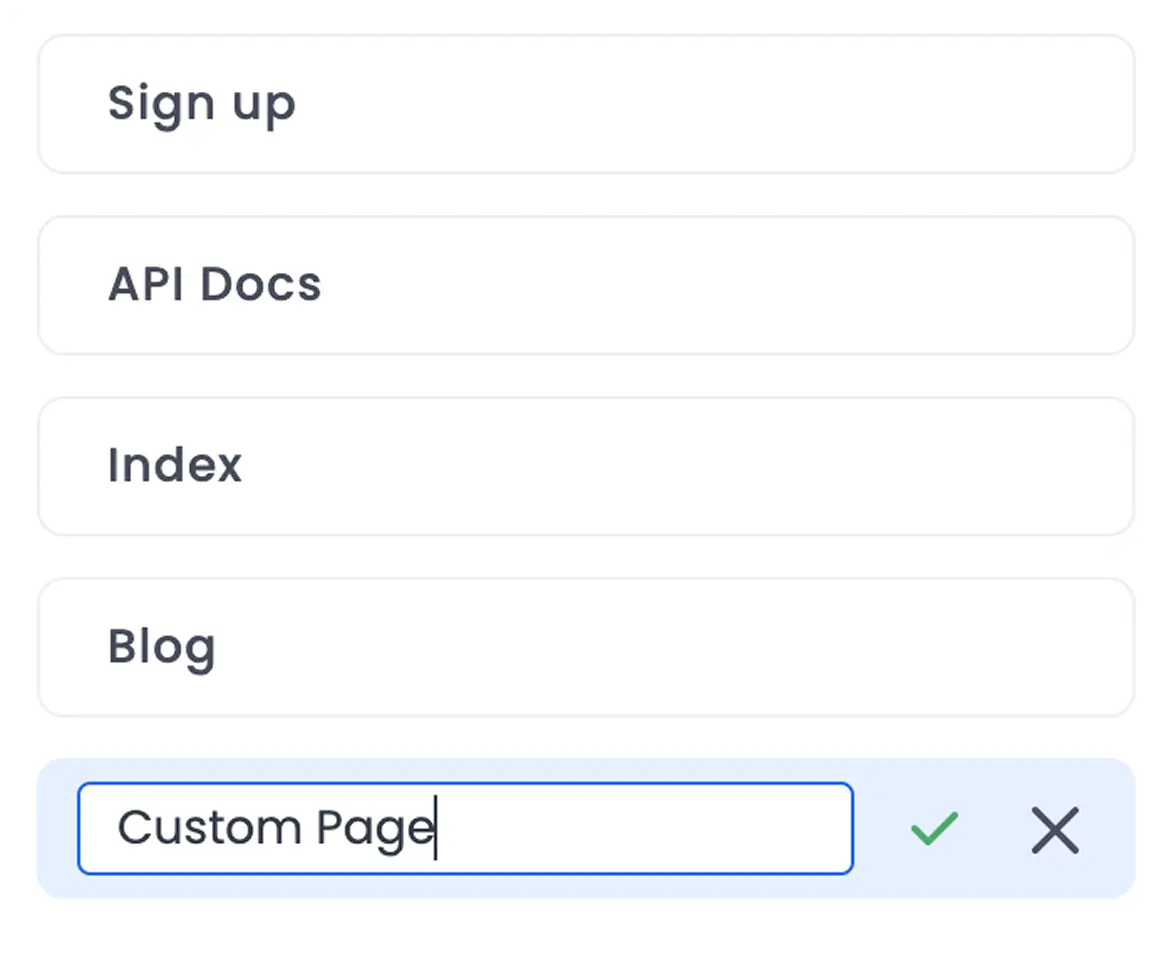
Add supported sections, change their order, edit their content, and create additional pages. Configure the page title, meta description, and URL slug from the same workspace.
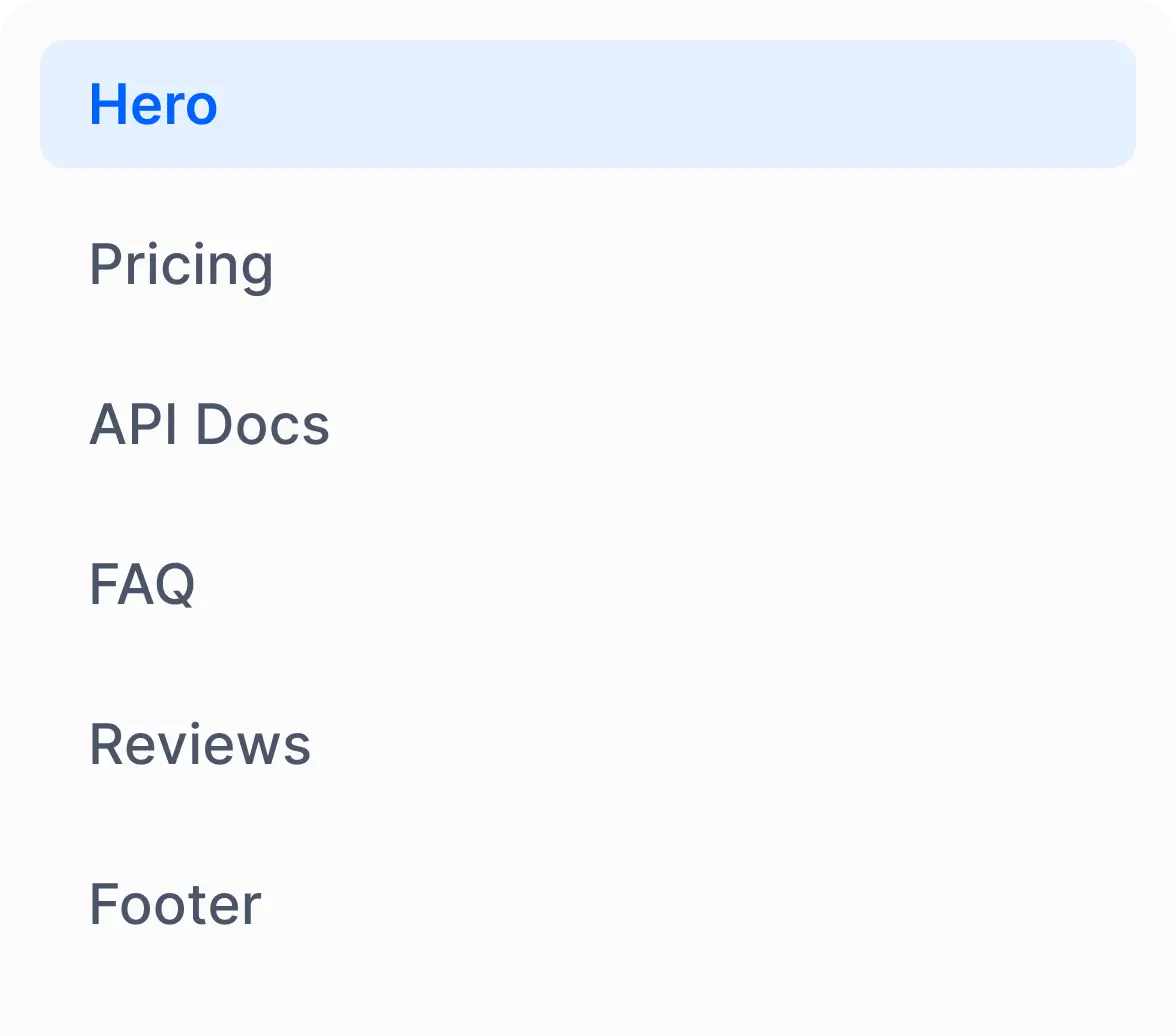
Sections
Add pages
SEO
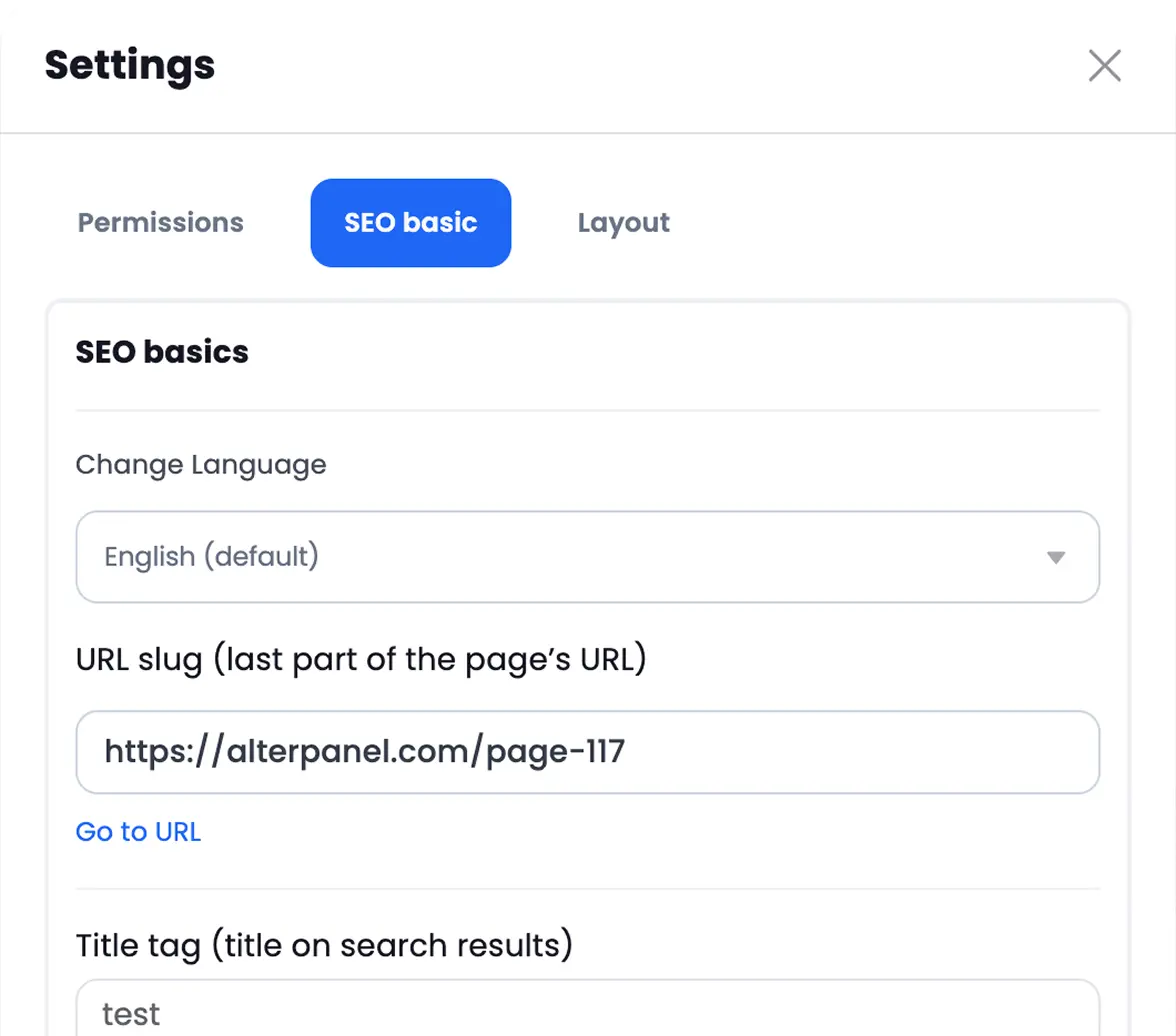
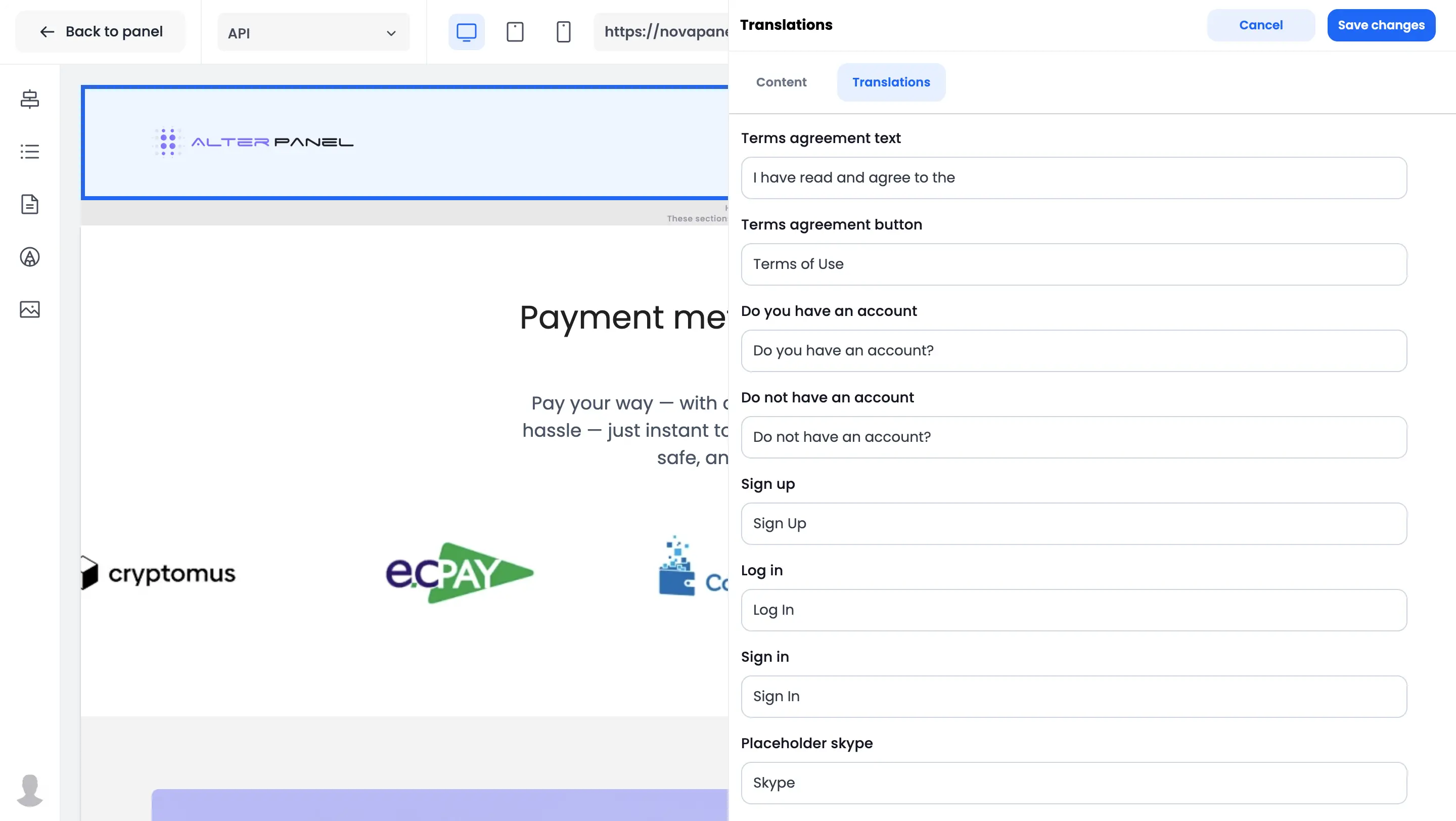
Create content for multiple languages.
Edit text and supported media separately for each configured language. Review every language version before publishing it.
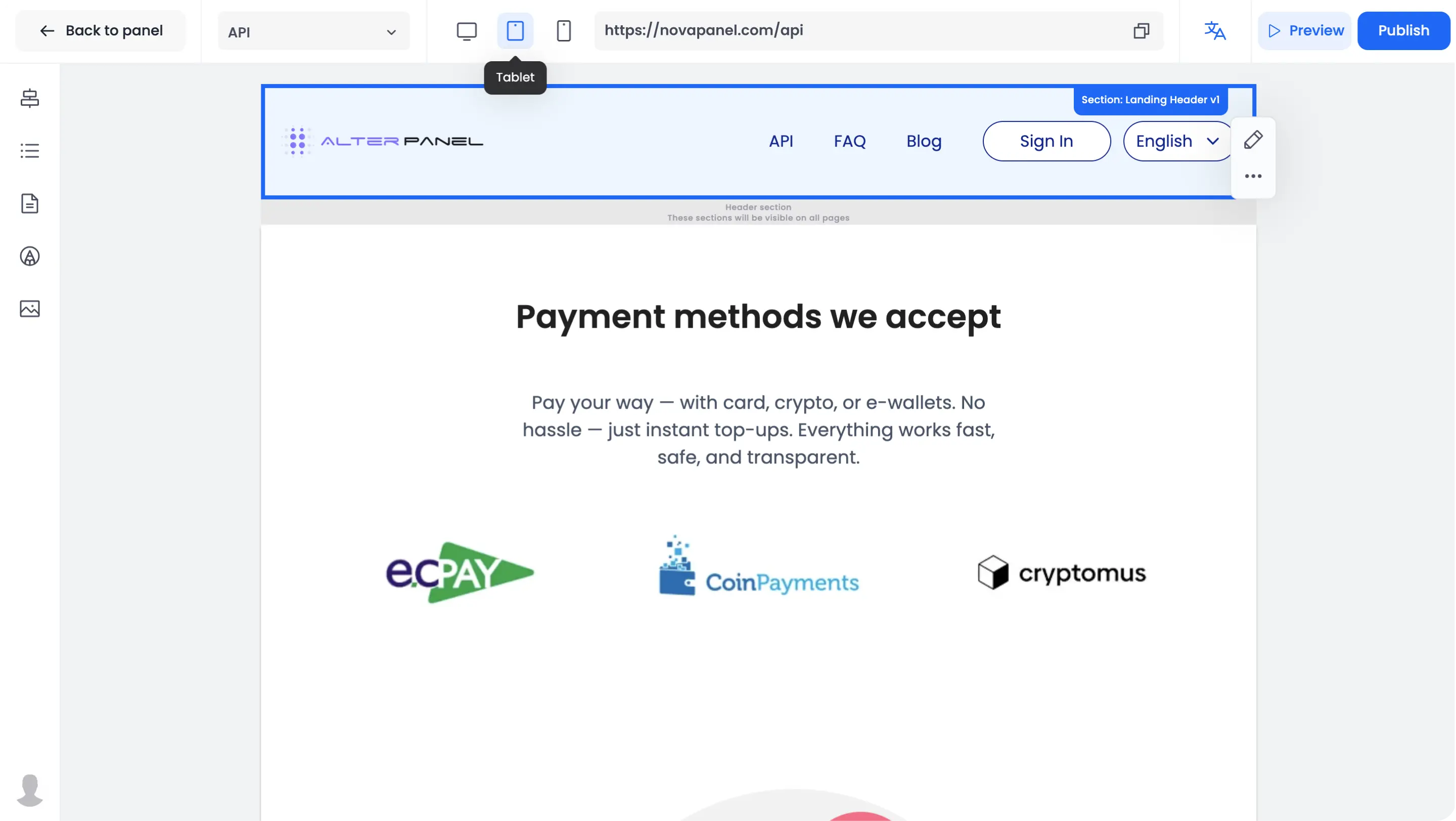
Preview pages on different screen sizes.
Preview desktop, tablet, and mobile layouts before publishing. Supported sections adapt to different screen sizes.
Manage website content from Nova Panel.
Visual Editor combines pages, sections, theme settings, media, localization, SEO fields, and responsive previews in one workspace.
Build a panel that looks like your brand.
Create your free panel and customize its pages without writing code.