Manage services and providers from one place.
Connect providers, import and organize services, set prices, and configure order routing in Nova Panel.
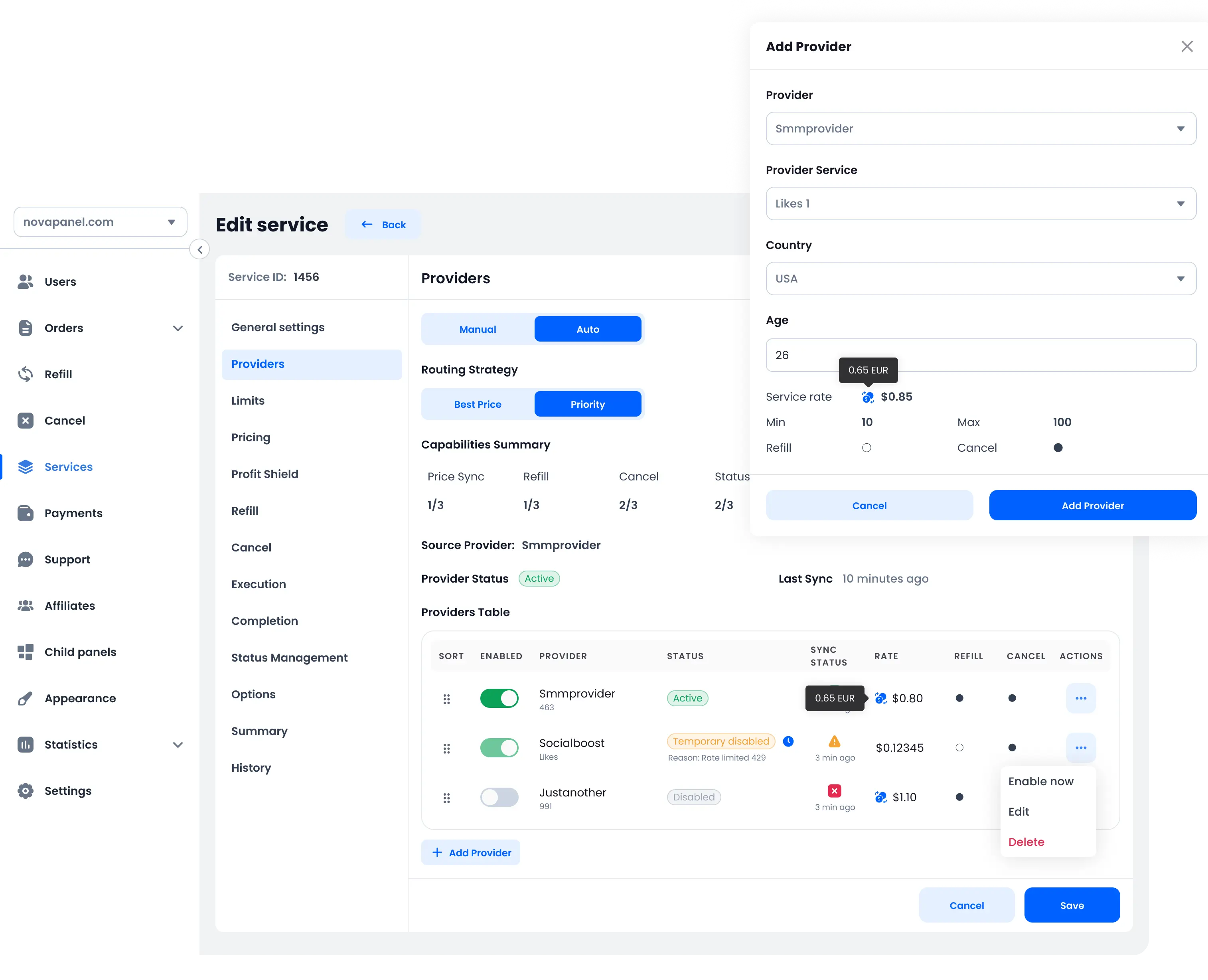
Connect providers and keep service data up to date.
Add compatible providers through their APIs. Import services and review the data returned by each provider. Nova can check balances, create provider orders, update order status, and request Refill or Cancel when the provider supports these actions.
Connect compatible provider APIs and manage their settings from one place.
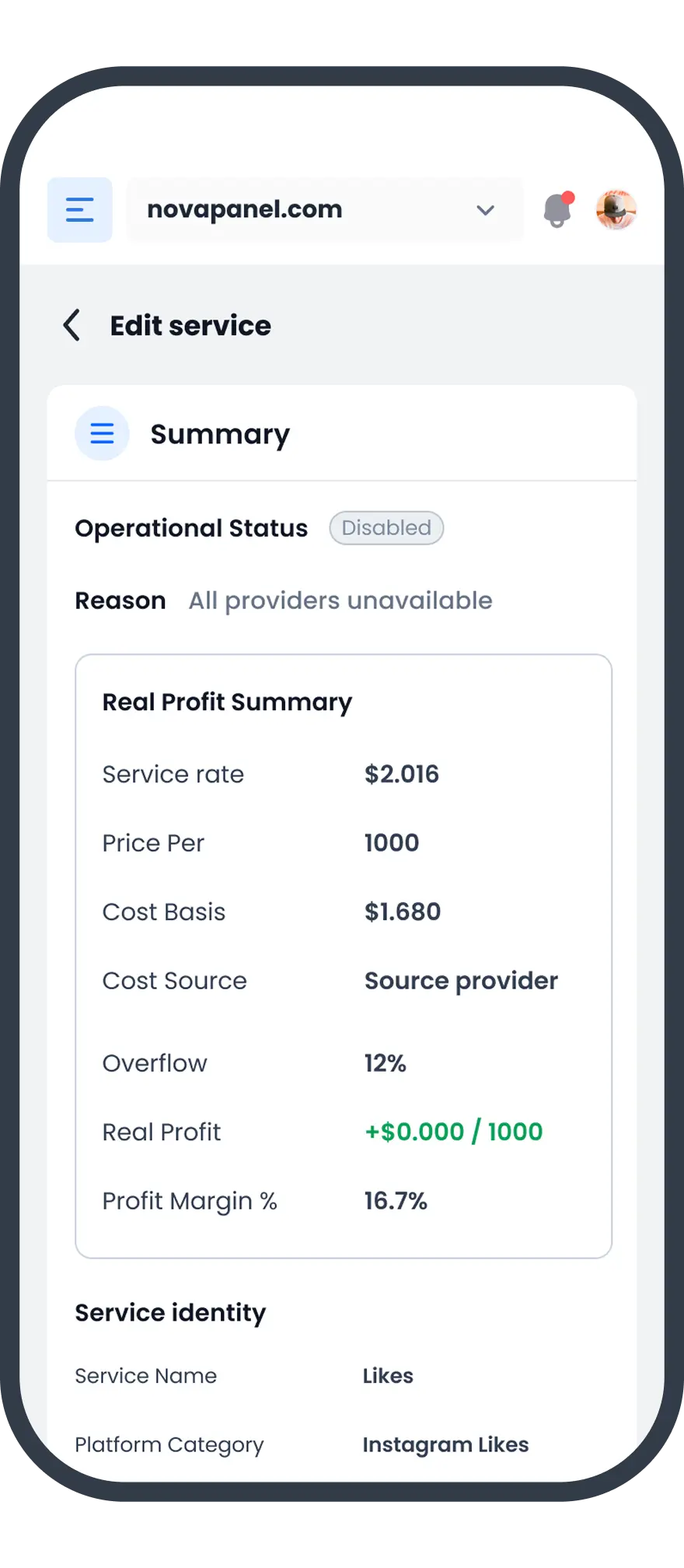
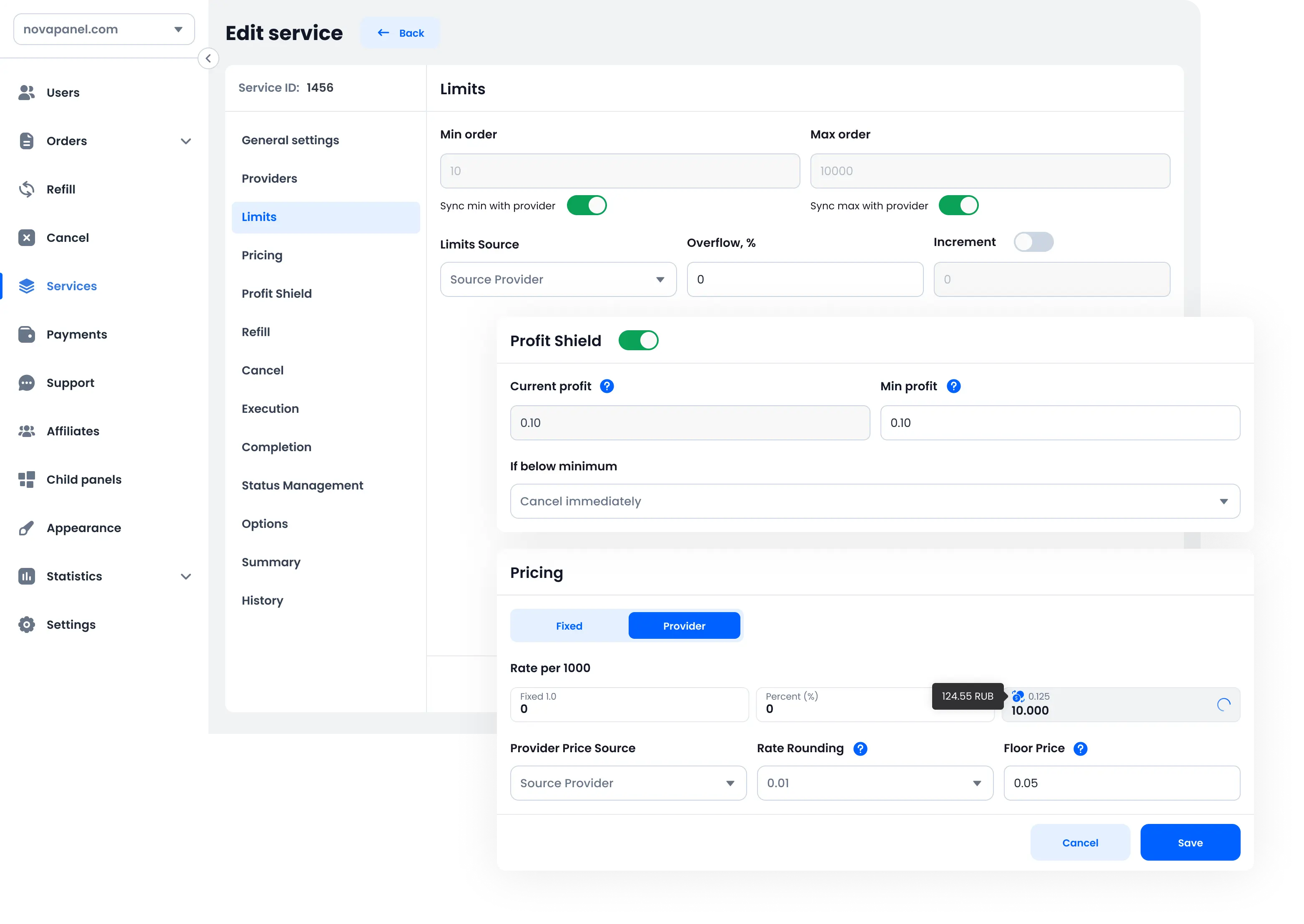
Synchronize provider prices, minimum and maximum quantities, and service availability.
Send orders to providers, check their status, and use supported Refill and Cancel actions.
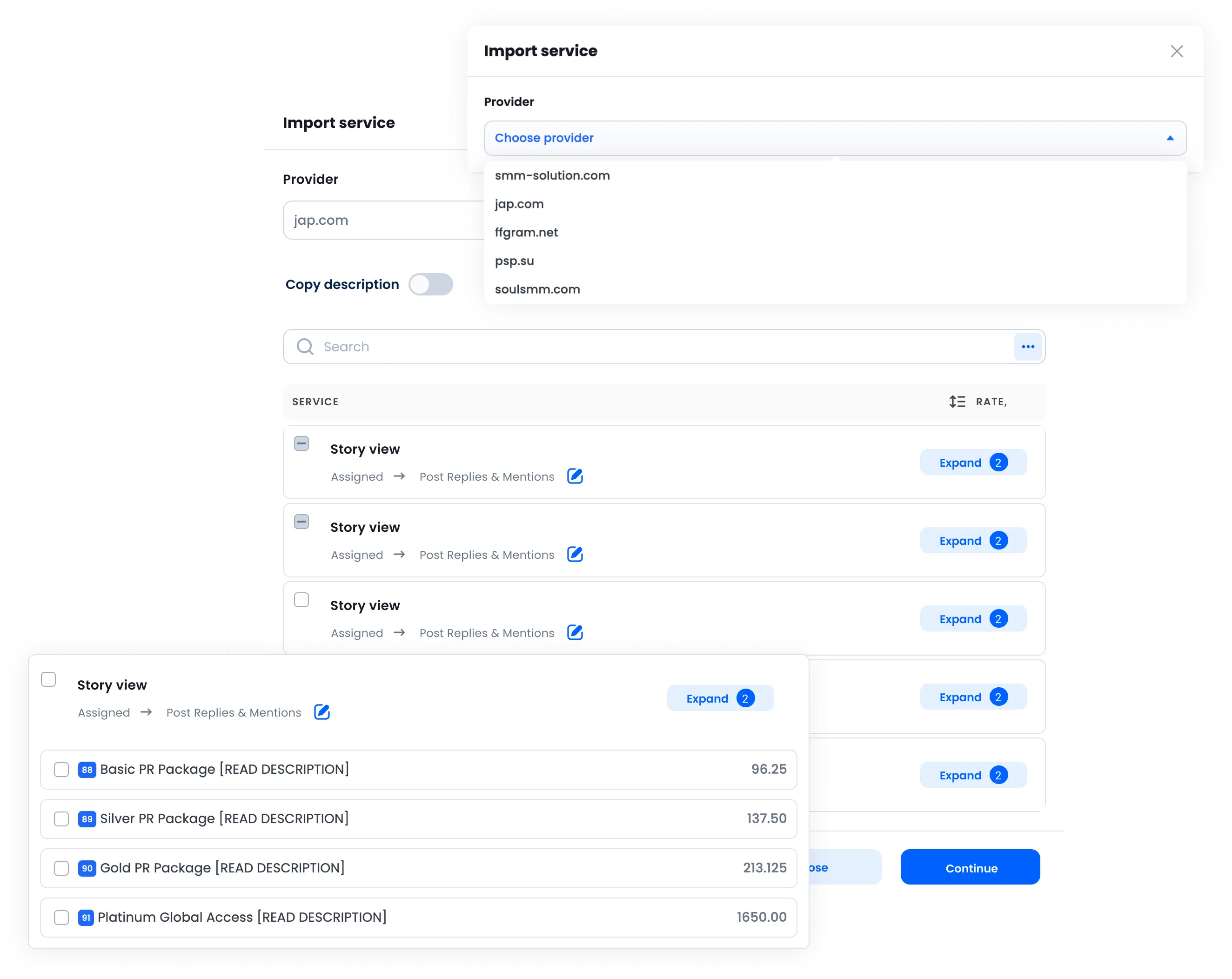
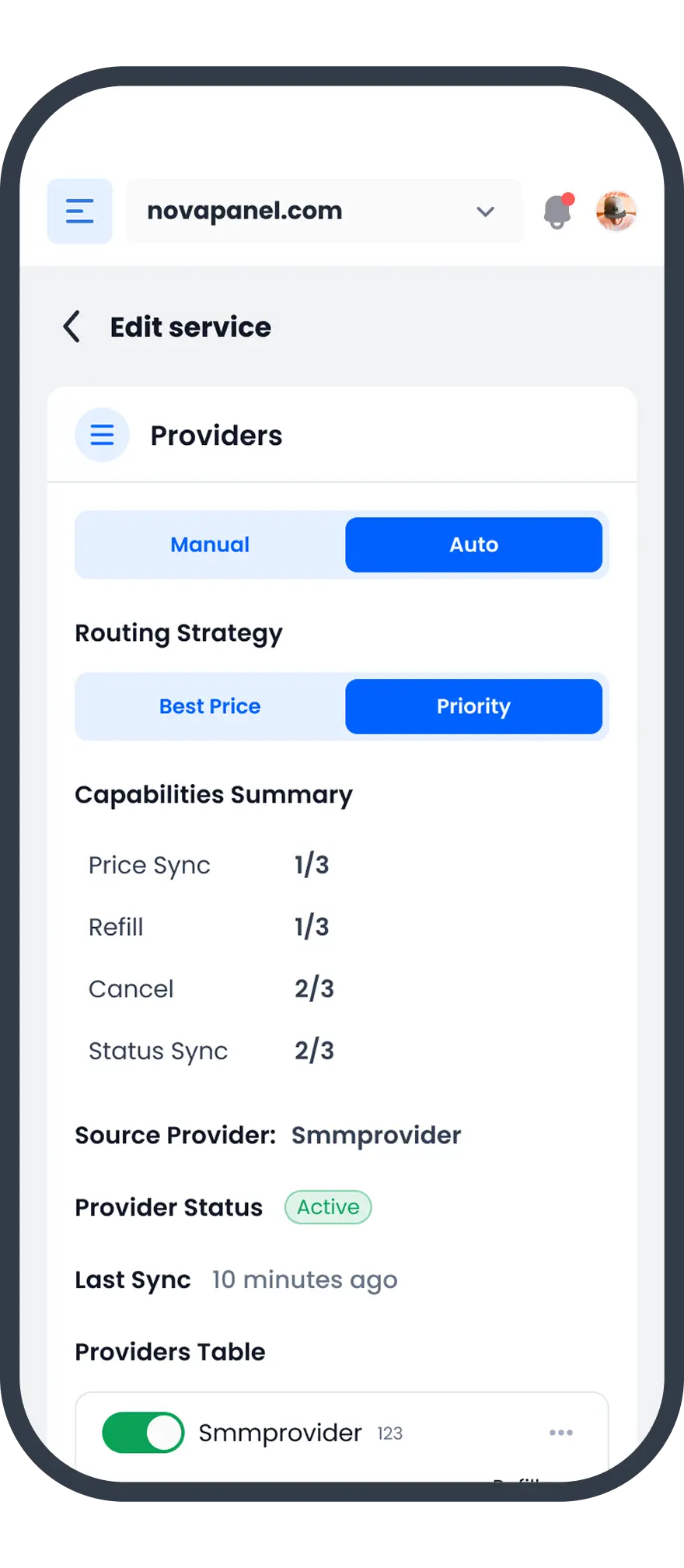
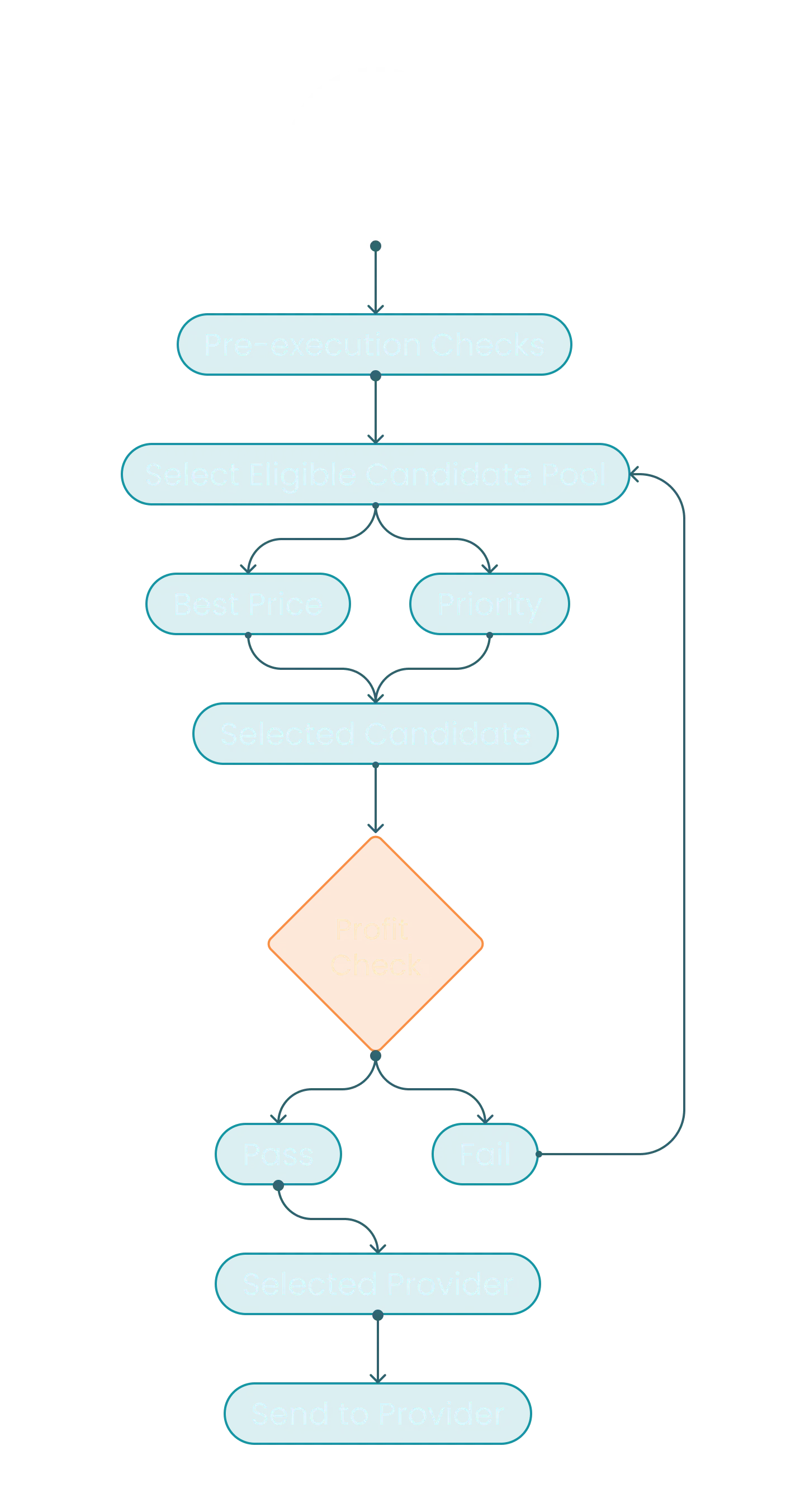
Connect multiple providers to one public service.
Nova applies the configured provider selection and minimum-profit rules to each order.
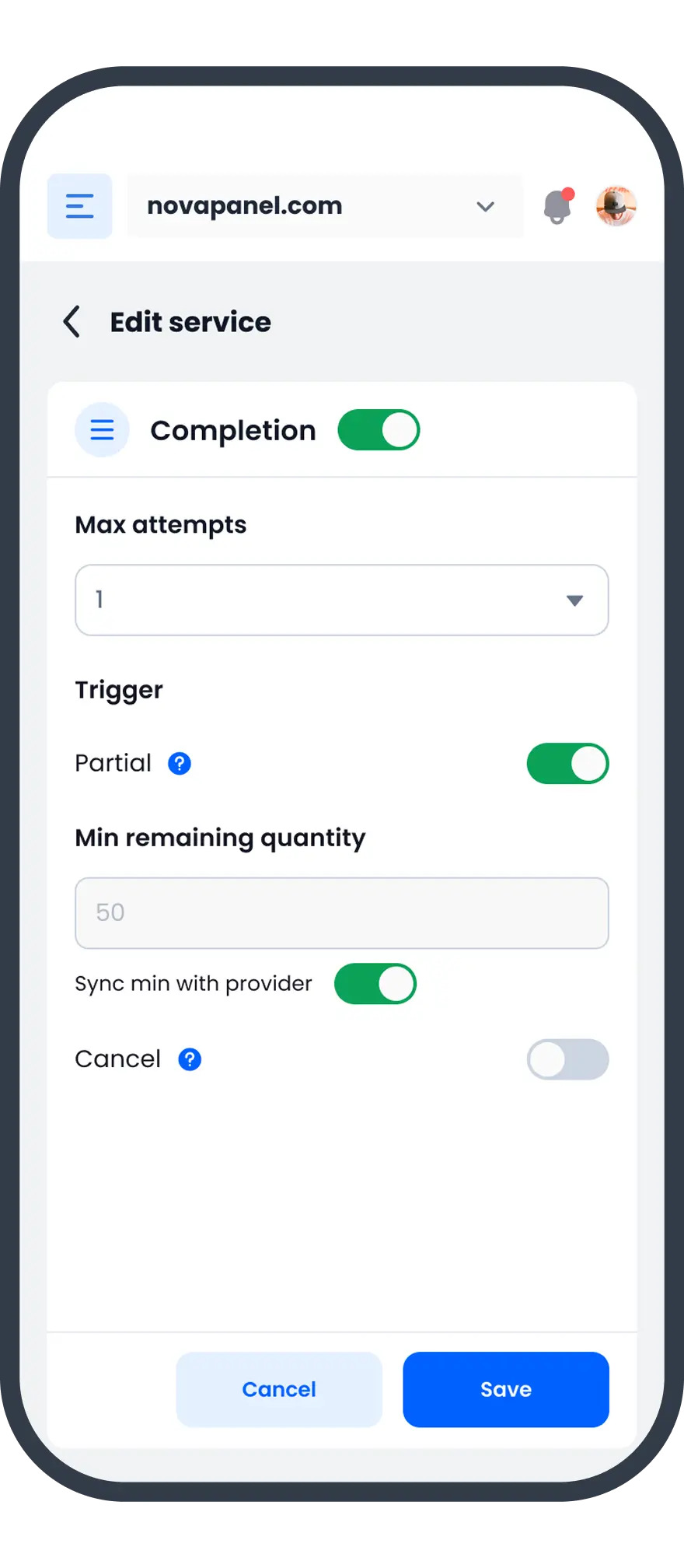
If a provider returns a temporary error, Nova can retry it. If the provider still cannot process the order, Failover can send the order to another provider that matches your rules.
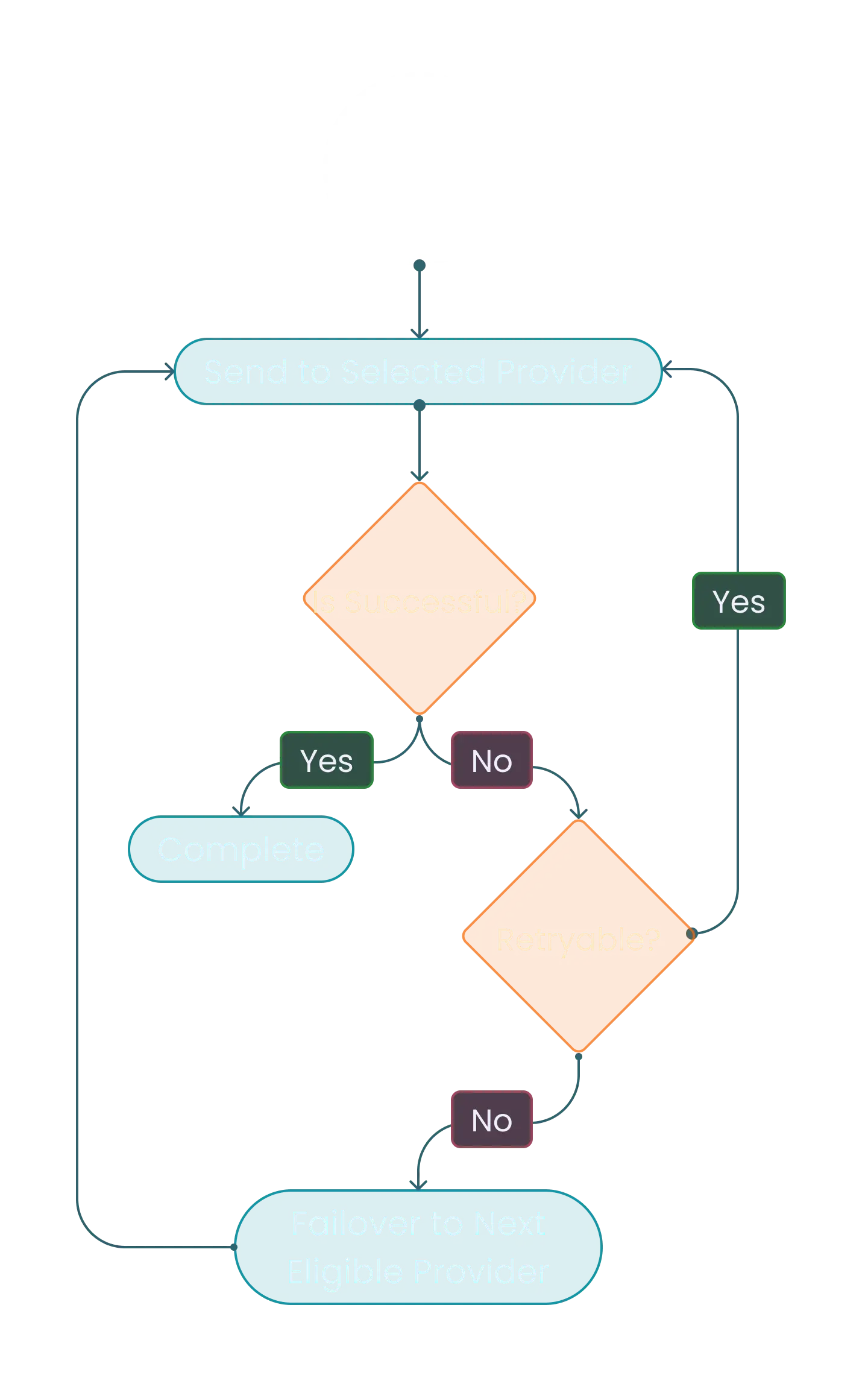
Recover eligible orders when a provider cannot process them.
Retry sends another request to the same provider when an error is considered temporary.
Failover can send the order to another eligible provider when the first provider remains unavailable.
Recovery depends on provider responses, service compatibility, availability, and your routing settings.
Choose which service data Nova should synchronize.
Collect the information required by each service.
Manage services with less manual work.