
SMM PANEL SOFTWARE FOR RESELLERS & AGENCIES
Launch your own SMM panel. Start free.
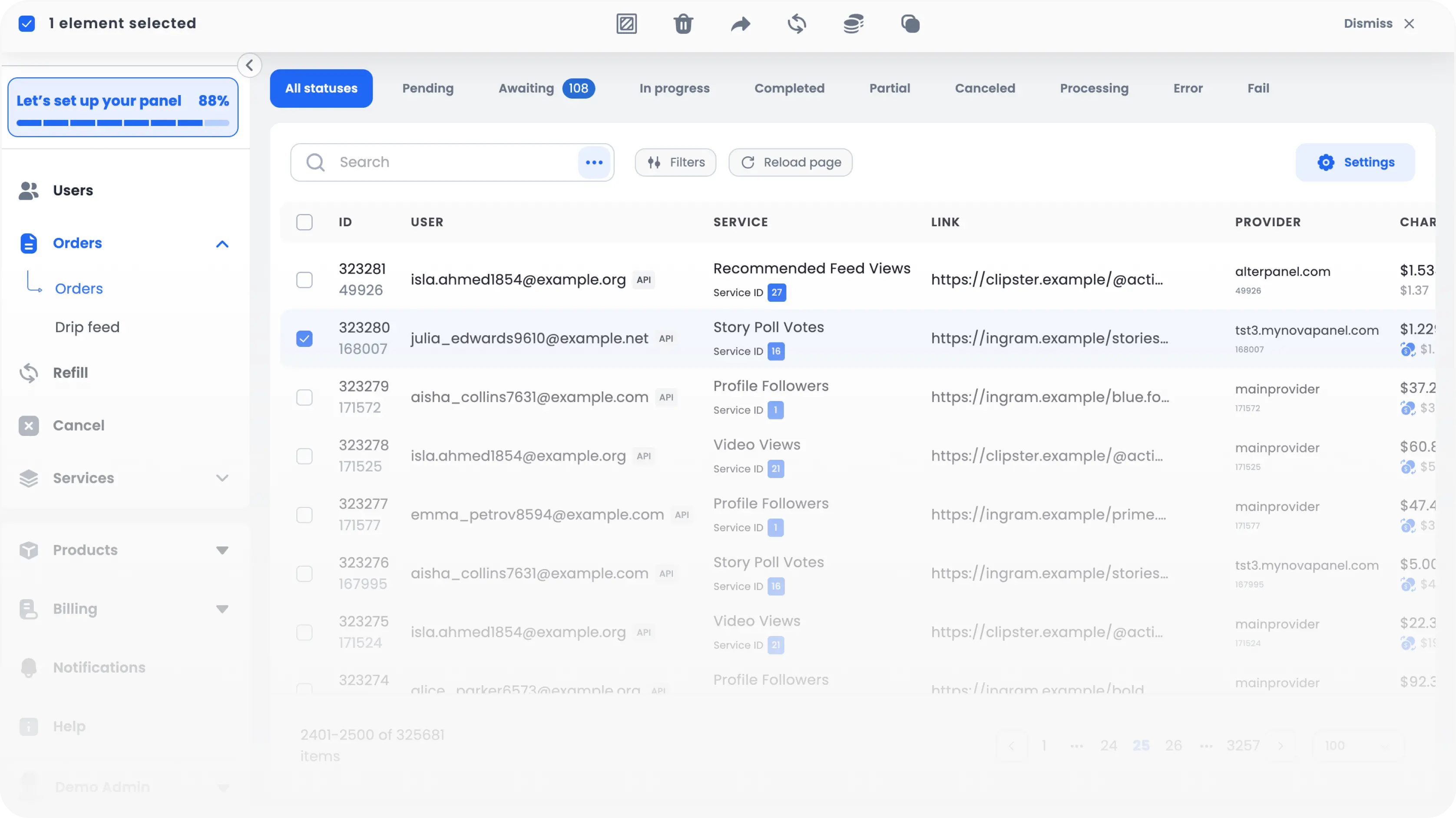
Get a ready-to-use platform with User and Admin Dashboards. Connect your domain, SMM providers, and payment methods. Process up to 100 orders placed by your users each month for free.
Up to 100 orders per month
Hosting and updates included
No card required
User Dashboard
For your users
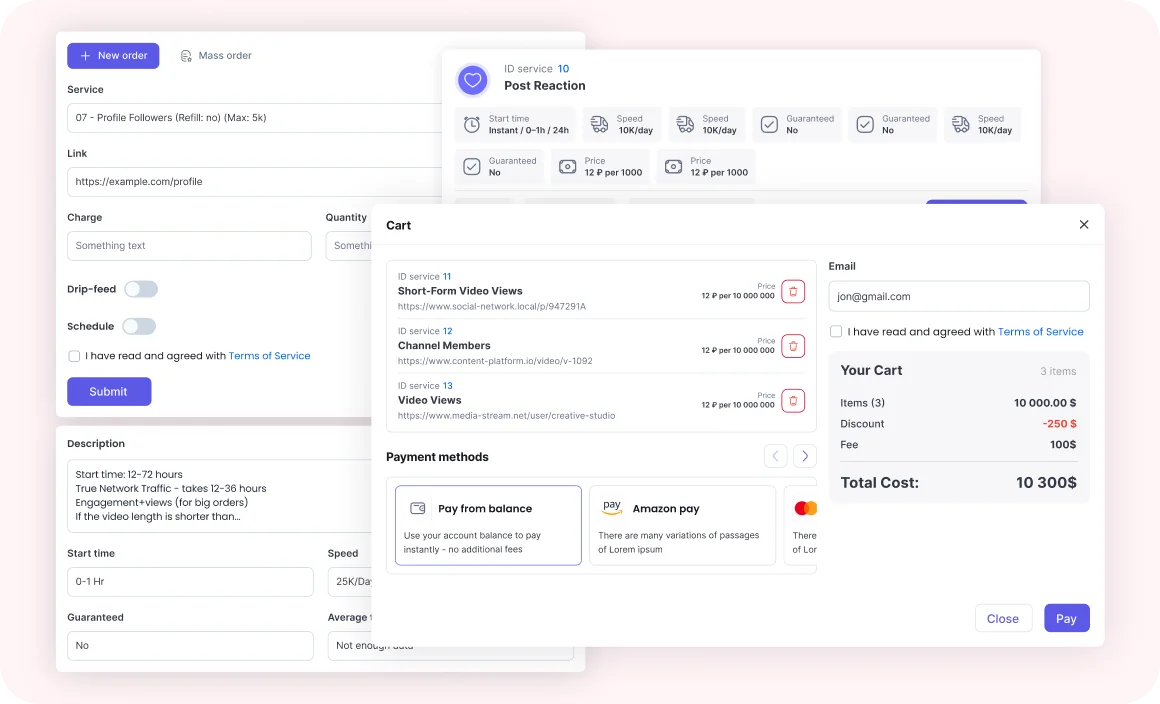
Let users browse services, add funds, view their balance, place orders, and track order progress from any device.
Admin Dashboard
For your team
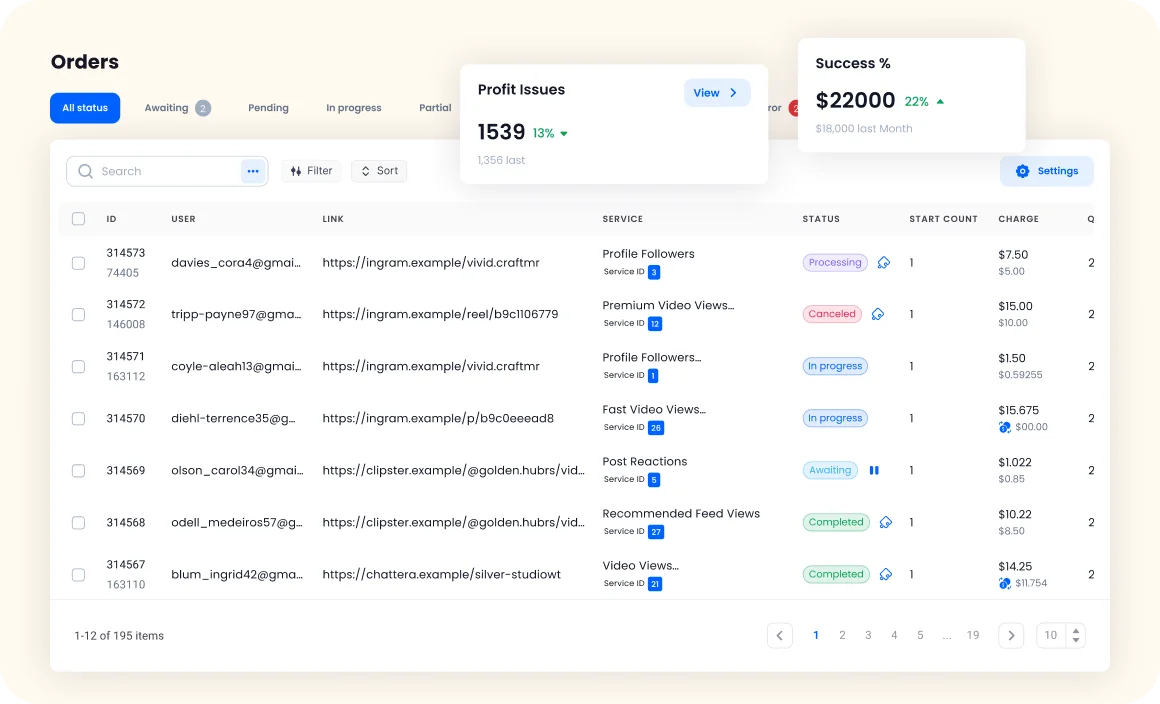
Manage orders, users, services, providers, payments, support, and profit from one workspace.
How Nova Panel works
Launch your panel in four steps.
1
Create your panel
Sign up and choose your panel name.
2
Connect your tools
Add your domain, providers, and payment methods.
3
Configure your services
Import services, set your selling prices, and publish them for users.
4
Start accepting orders
Users add funds and place orders. Nova sends orders to providers, tracks their status, and includes the order data in reports.
Explore the core tools
See how Nova Panel helps you manage services, support users, review calculated profit, and customize your panel.
Admin Dashboard
Manage users, orders, services, providers, payments, support, staff, and reports from one operational workspace.
Explore Admin Dashboard
User Dashboard
Let users browse services, add funds, view their balance, place orders, and track order progress from any device.
Explore User Dashboard
Service & Provider Management
Organize services, connect providers, set pricing, and control how orders are delivered. Explore Service & Provider Management
Profit Analytics
Compare order charges with recorded provider costs, payment fees, and refunds. Review calculated profit by order, service, provider, user, and payment method. Explore Profit Analytics
Support Center
Handle user tickets with order, payment, and account context available in one workspace Explore Support Center
Visual Editor
Build and customize your panel pages, layout, and content without writing code. Explore Visual Editor
Pricing
Nova Panel pricing is based on the number of orders placed by users each month.
User & Admin Dashboards
Services & Provider Integrations
Payments & Support
Retry, Failover & Completion Recovery
Public API
Hosting & Updates
If the calculated Starter price becomes higher than the Pro price for the same monthly usage, we automatically switch your account to Pro. Pro pricing and limits apply after the switch.
FAQ
Here you will find a list with answers to frequently asked questions about our service.
Nova Panel is ready-to-use software for launching and managing your own SMM panel. It includes user and admin dashboards, services, providers, orders, payments, support, reporting, API access, and customization tools. Nova Panel provides the software. You connect your own SMM providers and payment methods.
The Free plan gives you a real Nova Panel with up to 100 customer orders every month and up to 500 services. To go live, you need to connect your own domain. Free panels display a Powered by Nova Panel badge.
Yes. Nova Panel does not sell followers, likes, views, or other SMM services. You connect your own provider APIs, import their services, and configure the prices and options offered to your users.
After you use the 100 included orders, you can wait until your monthly allowance resets, buy another 100 orders for $3, or upgrade to Starter. Existing orders continue to be processed. New orders placed by users require available order capacity.
Yes. Your own domain is required before the panel can go live on any plan. Domain connection and SSL are supported by Nova Panel. Domain registration is purchased separately.
Contact us with the integration details. We will review compatibility and let you know whether the integration is already supported, can be added, or requires a custom solution. Custom integrations may be priced separately.
Yes. The User Demo opens without registration. The read-only Admin Demo is available after creating a free account and includes sample users, orders, services, providers, payments, support, and reports.
Yes, but the migration scope depends on your current platform and data. Users, balances, services, categories, and order data can be reviewed for migration. Passwords, provider API keys, and payment credentials may need to be reset or connected again.
Still have questions?
We’d love to hear from you — feel free to reach out, and we’ll be happy to help.