
User Dashboard
A dashboard for users to place and track orders.
Give users one place to browse services, add funds, place orders, and track order status.
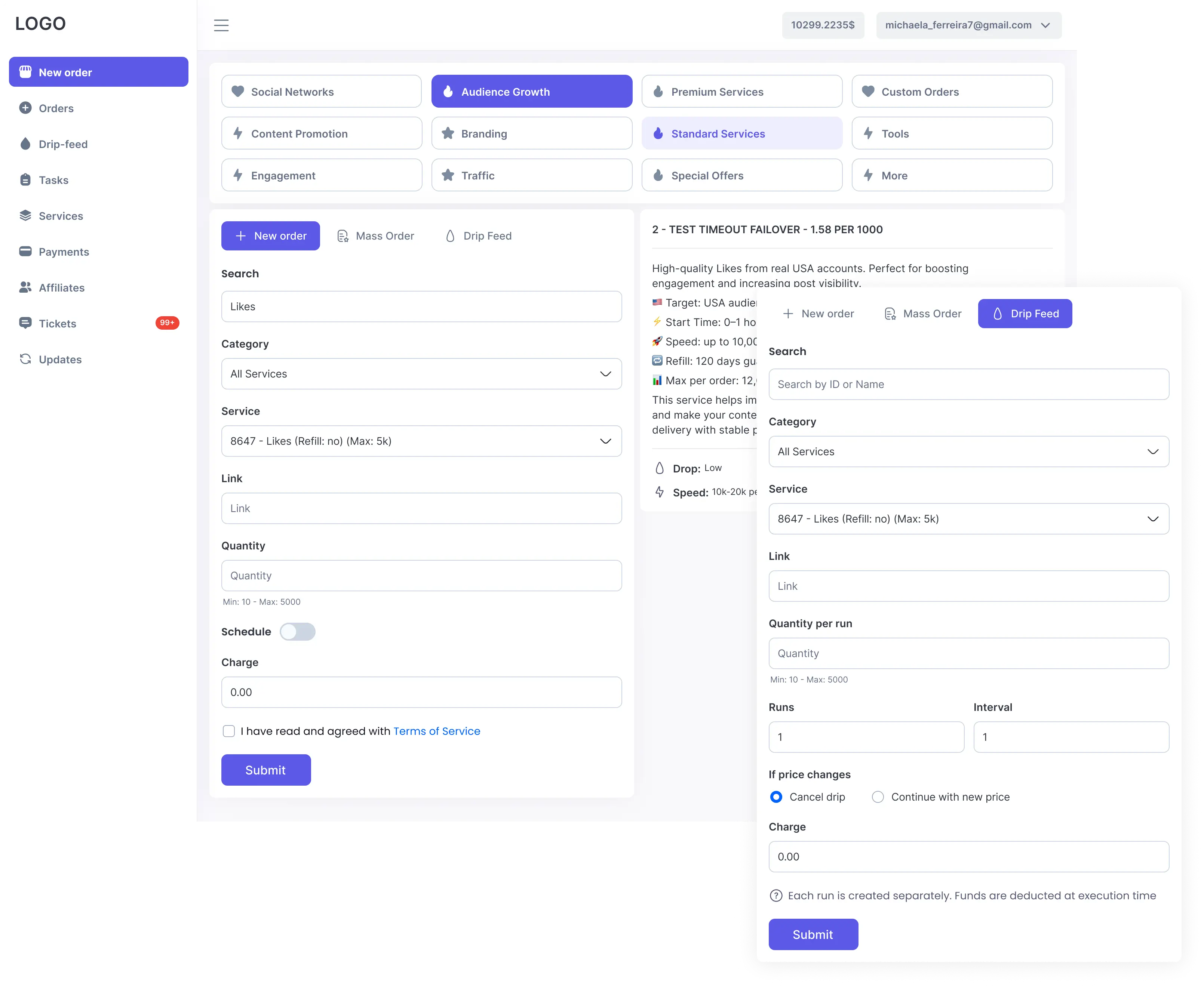
Give users more ways to place orders.
Give users more ways to place orders. Users can place Standard, Drip-feed, or Scheduled orders with the fields, quantity limits, price, and instructions required for the selected service.
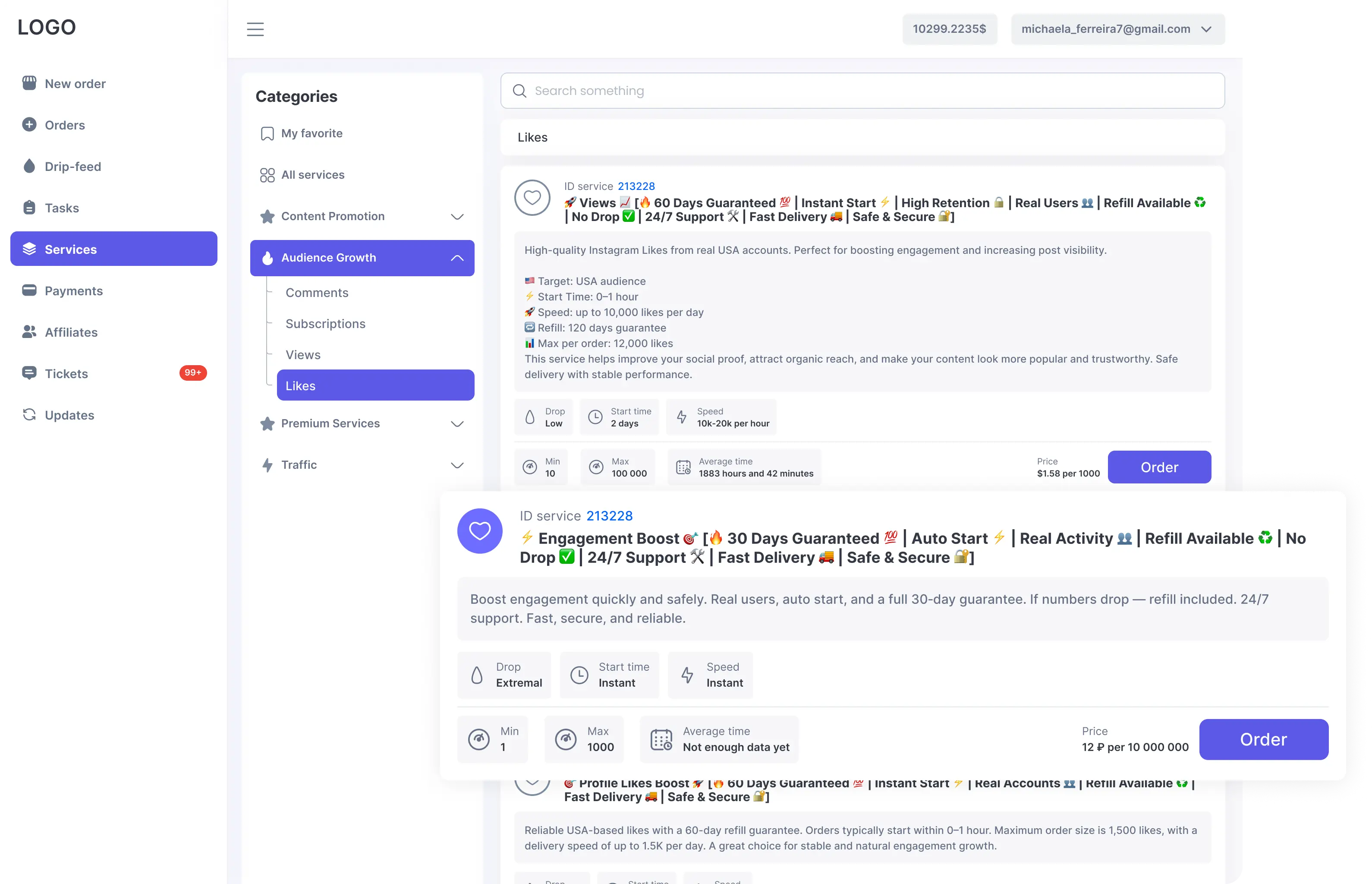
Help users find the right service.
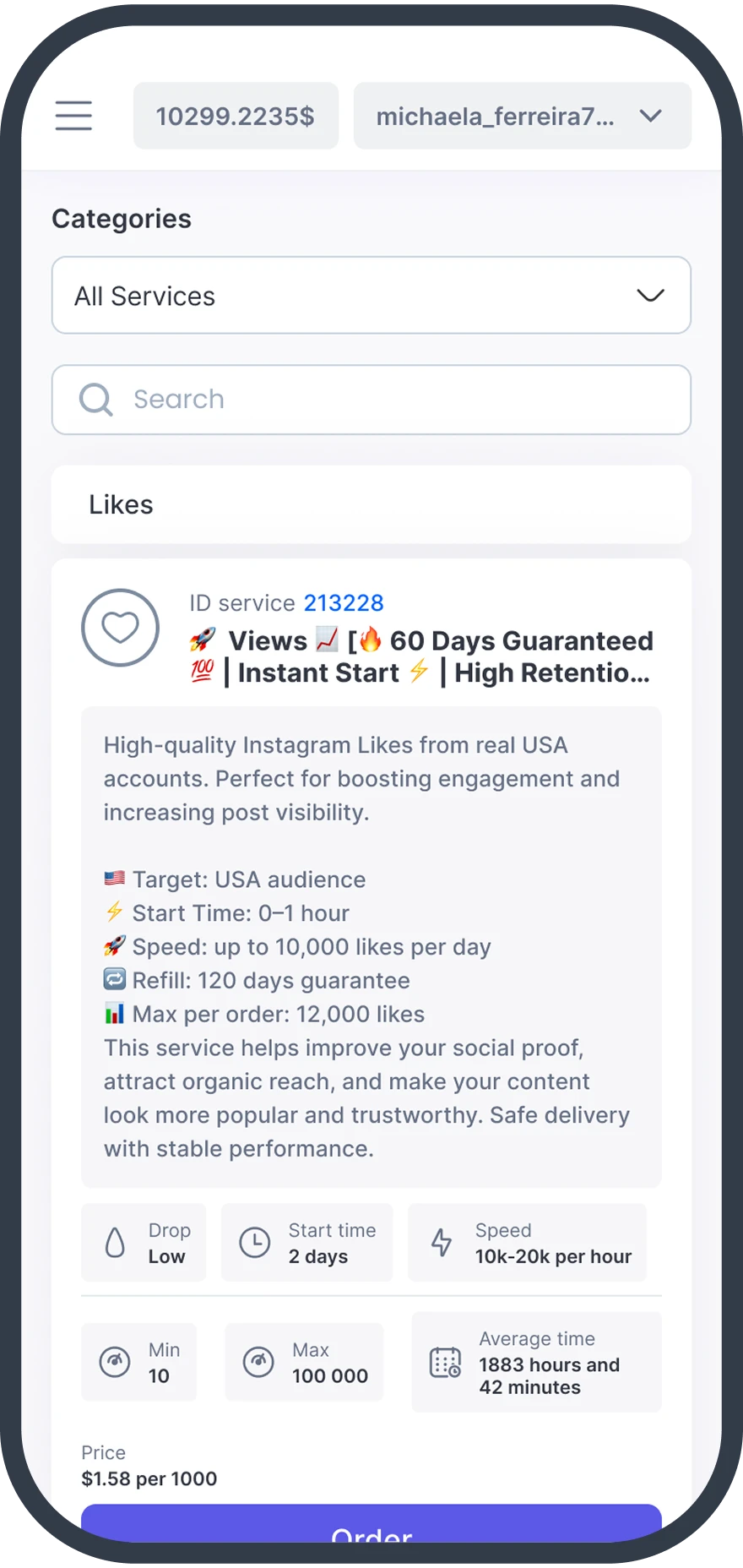
Help users find the right service. Users can search services, filter categories, save favorites, and review service details before placing an order.
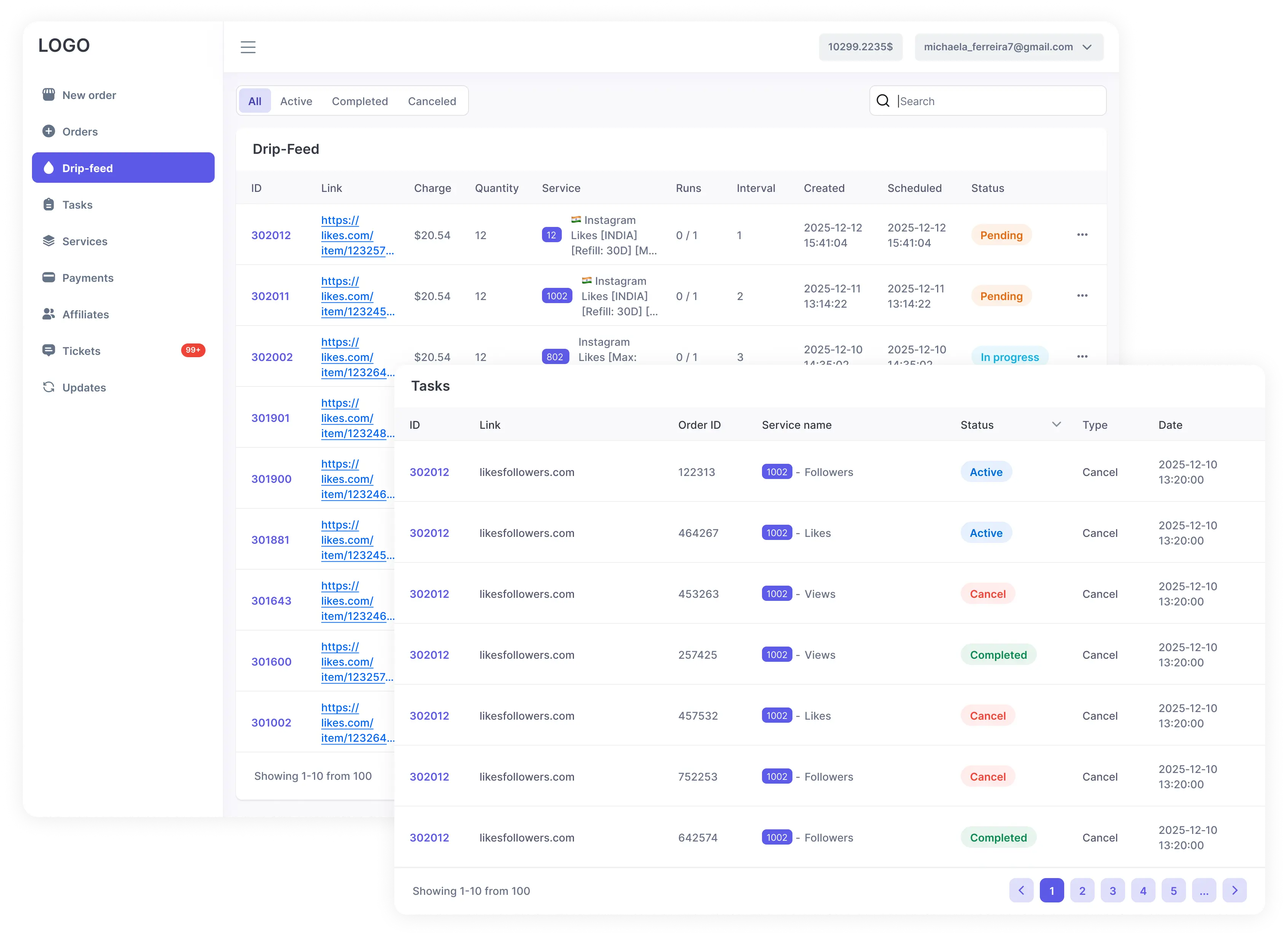
Manage repeat and bulk ordering.
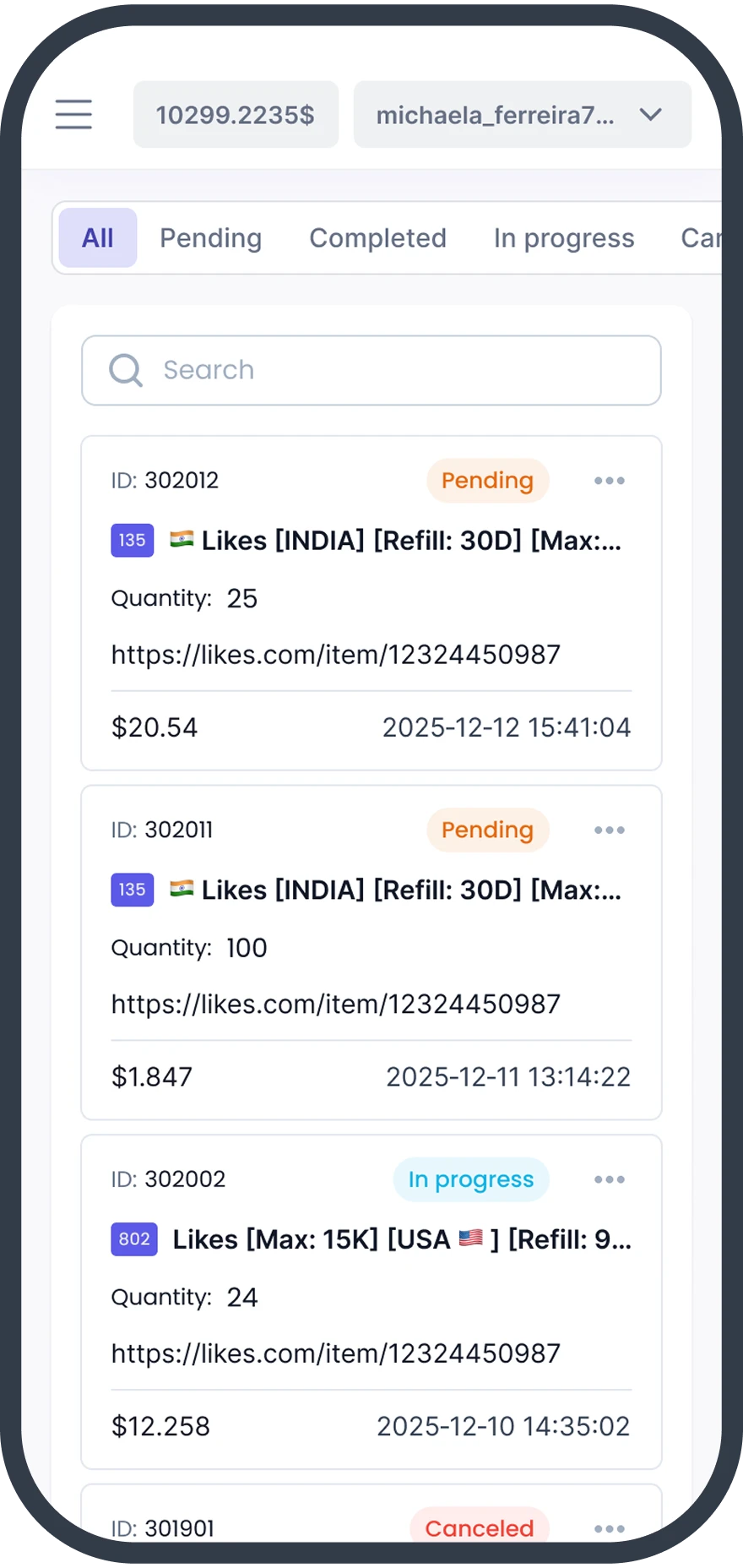
Users can review previous orders, repeat an order, use filters, and manage their order history from one place.
Multiple Languages
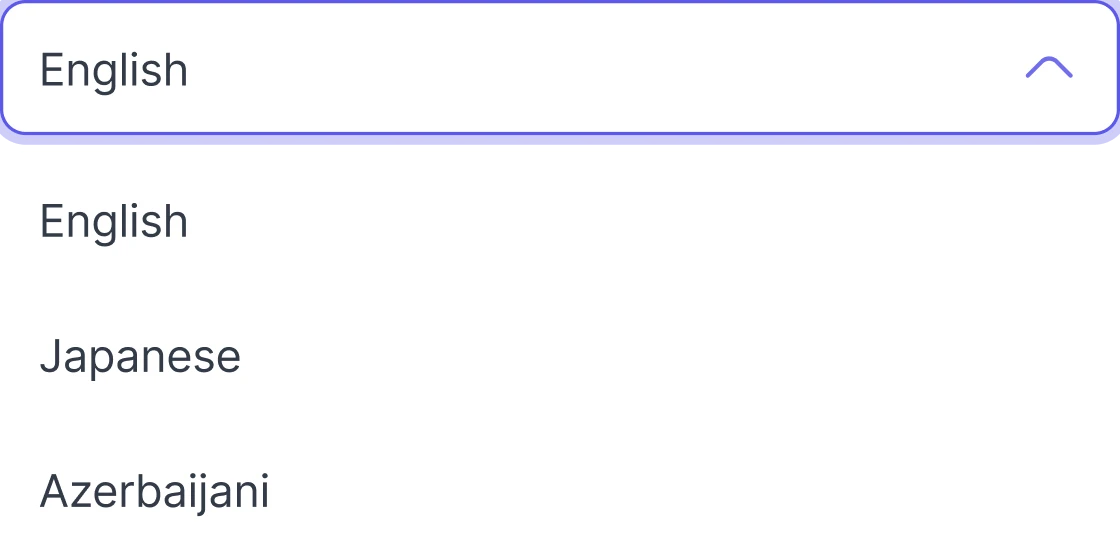
Provide the User Dashboard in the languages configured for your panel.
Account Security
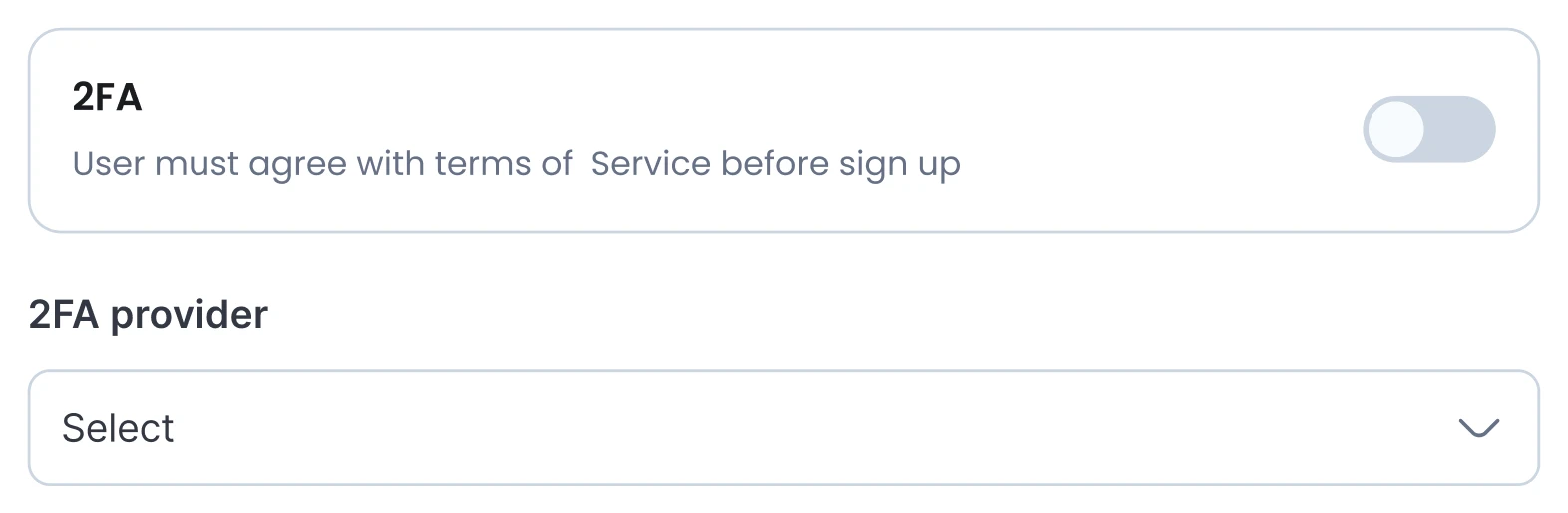
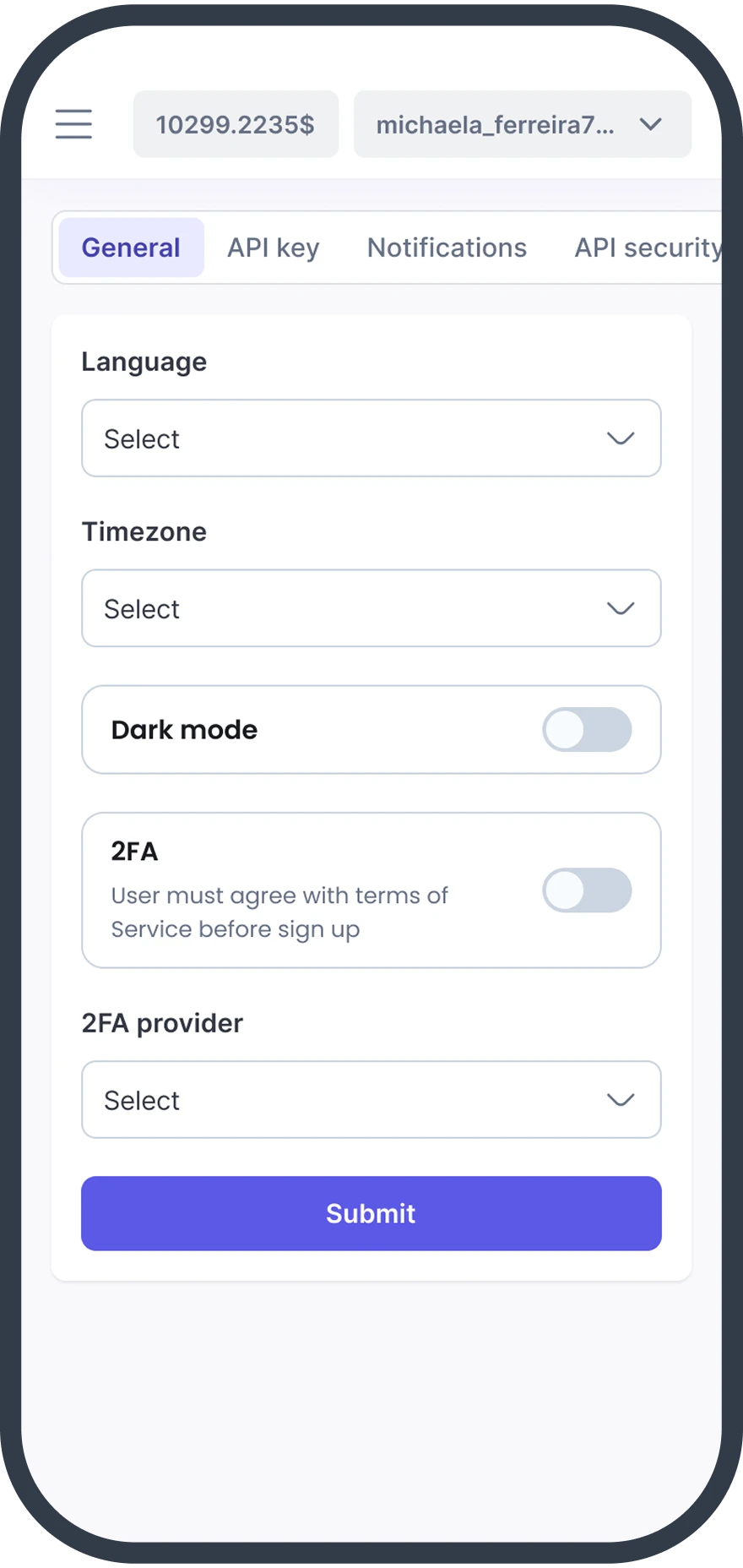
Users can manage their profiles, passwords, and two-factor authentication settings.
API Security
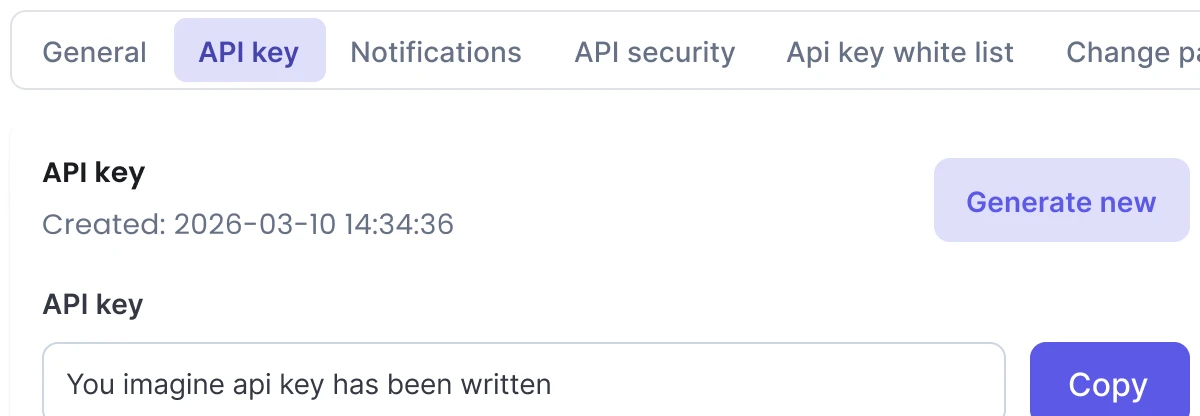
Users can manage API keys and restrict API access by IP address.
Quick Reorders
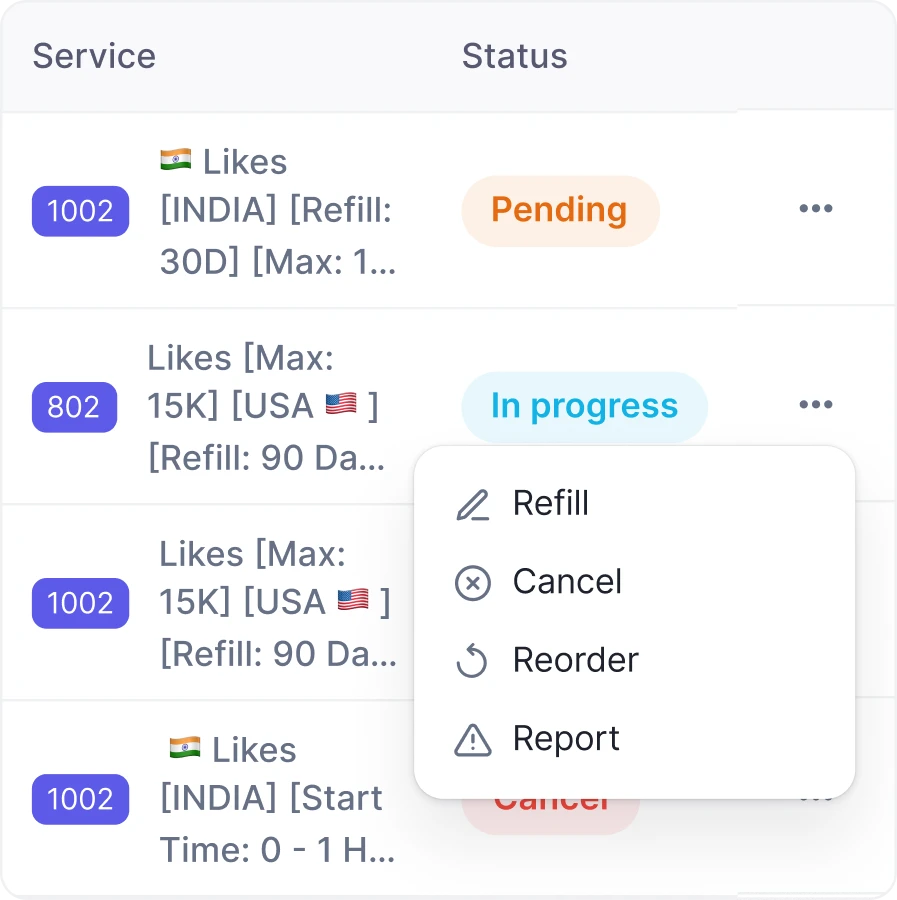
Users can create a new order from a previous order without entering the same information again.
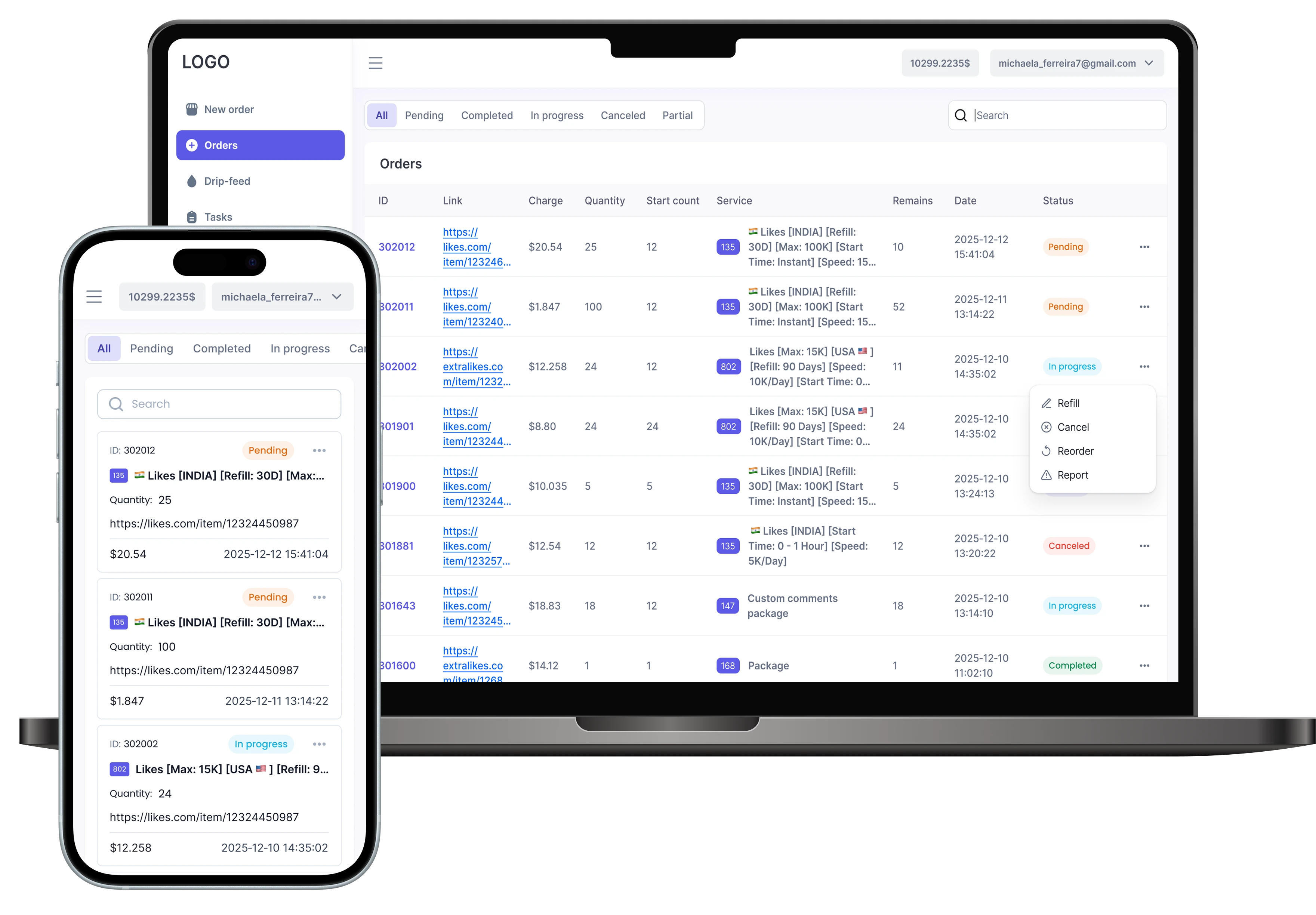
Use the dashboard on desktop and mobile devices.
The User Dashboard adapts to desktop, tablet, and mobile screens. Users can browse services, place orders, and check order status from their mobile browser.
Native mobile applications for the User Dashboard and Admin Dashboard are planned for a future release.
Give your users a faster way to place and track orders.
Create your panel for free, or explore the Admin Demo with sample data.