

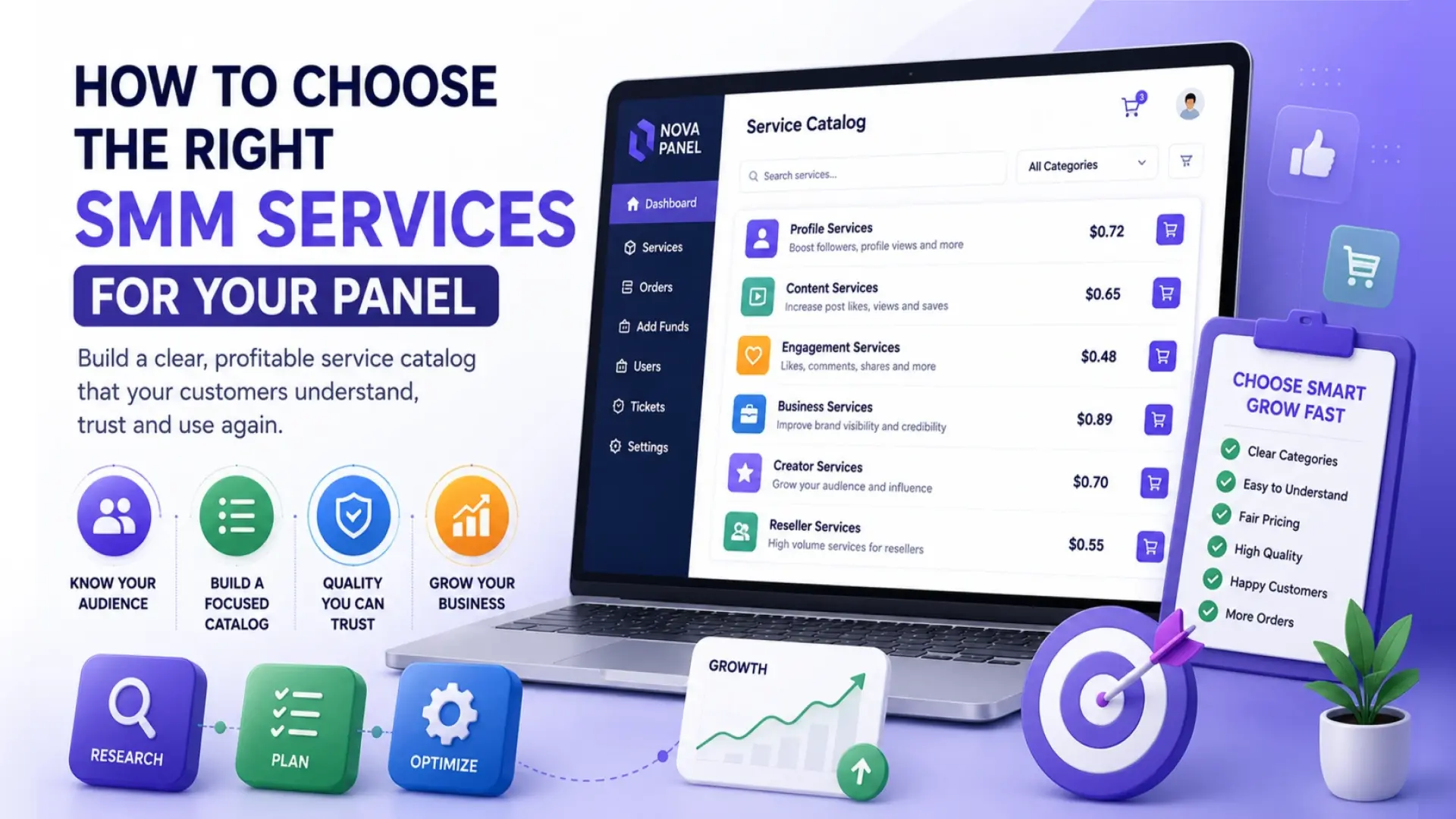
How to Choose the Right SMM Services for Your Panel
Choosing the right services is one of the most important steps when building an SMM panel.
Many beginners think that a successful panel should include as many services as possible. They add hundreds or even thousands of options, hoping that a large catalog will look impressive.
But in reality, a large catalog is not always better.
If users open your panel and see a confusing list of unclear services, they may leave before placing an order. A good SMM panel service catalog should be focused, organized, easy to understand, and built around real customer needs.
The goal is not to offer everything. The goal is to build a service catalog that your customers can understand, trust, and use again.
In this guide, we will explain how to choose SMM services for your panel, how to structure your catalog, how to avoid common mistakes, and how Nova Panel helps you manage your services more efficiently.
Why Service Selection Matters
Your service catalog is where customers make buying decisions.
A visitor may like your website design. They may understand your pricing. They may trust your brand. But if the service list is confusing, unclear, or poorly organized, they may still not place an order.
The services you choose affect:
- how easy your panel is to understand
- how quickly users can place orders
- how often customers come back
- how many support questions you receive
- how your brand is positioned
- how profitable your business can become.
A weak catalog creates friction. A strong catalog helps users make decisions faster.
This is especially important for new SMM panel businesses. When people visit a new panel, they need clarity. They want to know what is available, what each service means, how the order process works, and what they should expect after placing an order.
If they cannot understand your catalog in a few minutes, they may not trust the platform.
Step 1: Understand Who Your Panel Is For

Before choosing services, you need to understand your target audience.
A common mistake is trying to serve everyone. New panel owners often build a generic catalog with many unrelated services and hope it will attract all types of users.
But different audiences need different things.
Your panel may be built for:
- resellers
- marketing agencies
- freelancers
- content creators
- small businesses
- local brands
- e-commerce projects
- social media managers
- digital marketing teams.
Each group has different priorities.
A reseller may care about margins, repeat orders, and fast navigation.
An agency may care about organization, order history, and client workflow.
A small business may care about simple explanations and clear pricing.
A freelancer may care about looking professional and saving time.
Before building your SMM panel service list, ask:
Who is the main customer for this panel?
Then ask:
What services would make their work easier?
This helps you build a catalog based on real use cases instead of random ideas.
Step 2: Start With a Focused Service Catalog
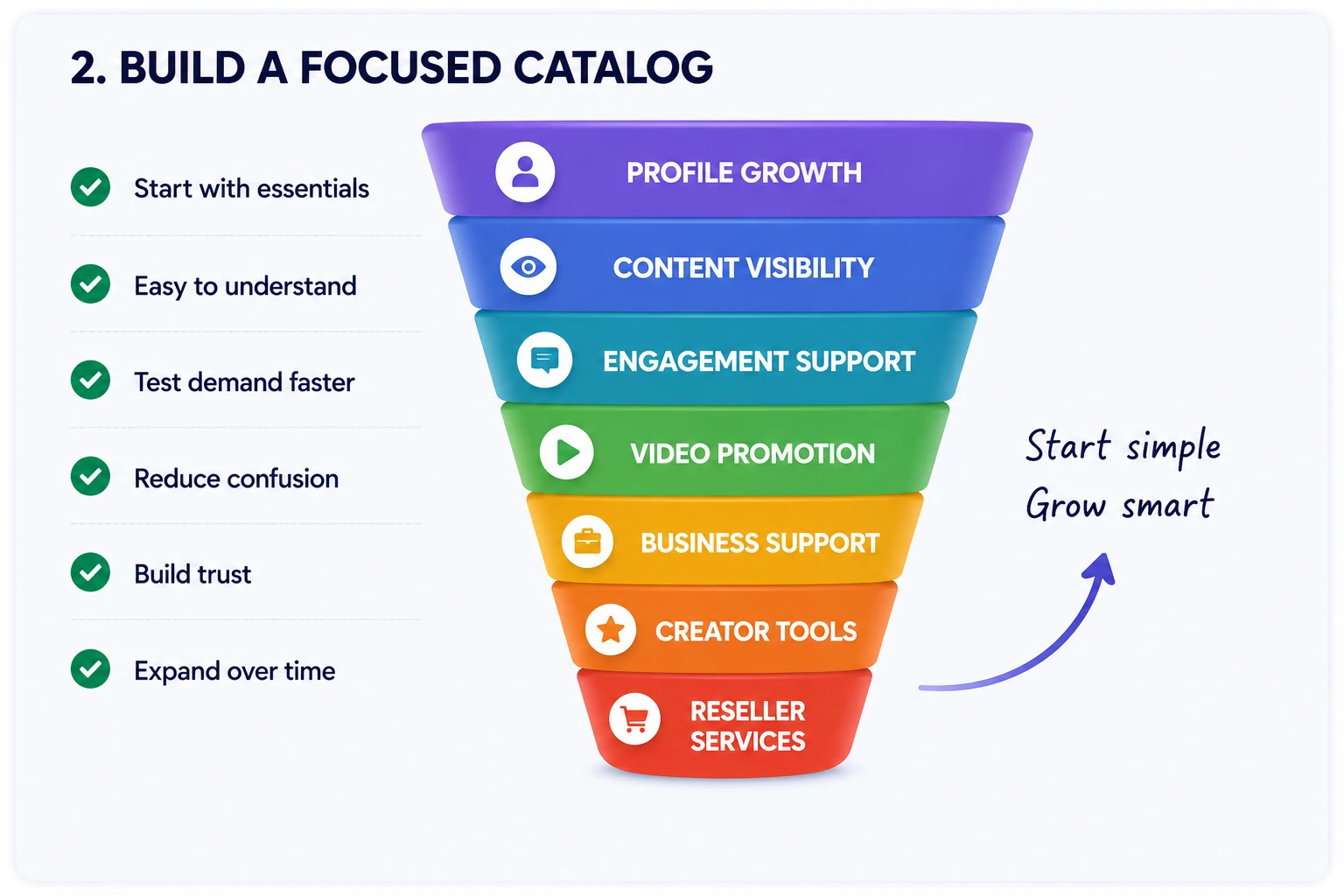
When you are launching a new SMM panel, it is better to start focused.
You do not need to add every possible service on day one. A smaller catalog can actually perform better if it is easier to understand and easier to manage.
A focused catalog helps you:
- reduce customer confusion
- test demand faster
- improve service descriptions
- manage support questions
- track what customers actually order
- remove weak services earlier
- build trust through clarity.
A good starting catalog may include a limited number of categories that match your audience.
For example, instead of adding hundreds of services across every possible channel, you can group services around broad and neutral categories such as:
- profile growth
- content visibility
- engagement support
- video promotion
- community activity
- business profile support
- creator tools
- reseller-focused services.
The exact categories depend on your business model, but the principle is simple:
Start with what your audience understands and needs most.
You can always expand later.
Step 3: Group Services Into Clear Categories
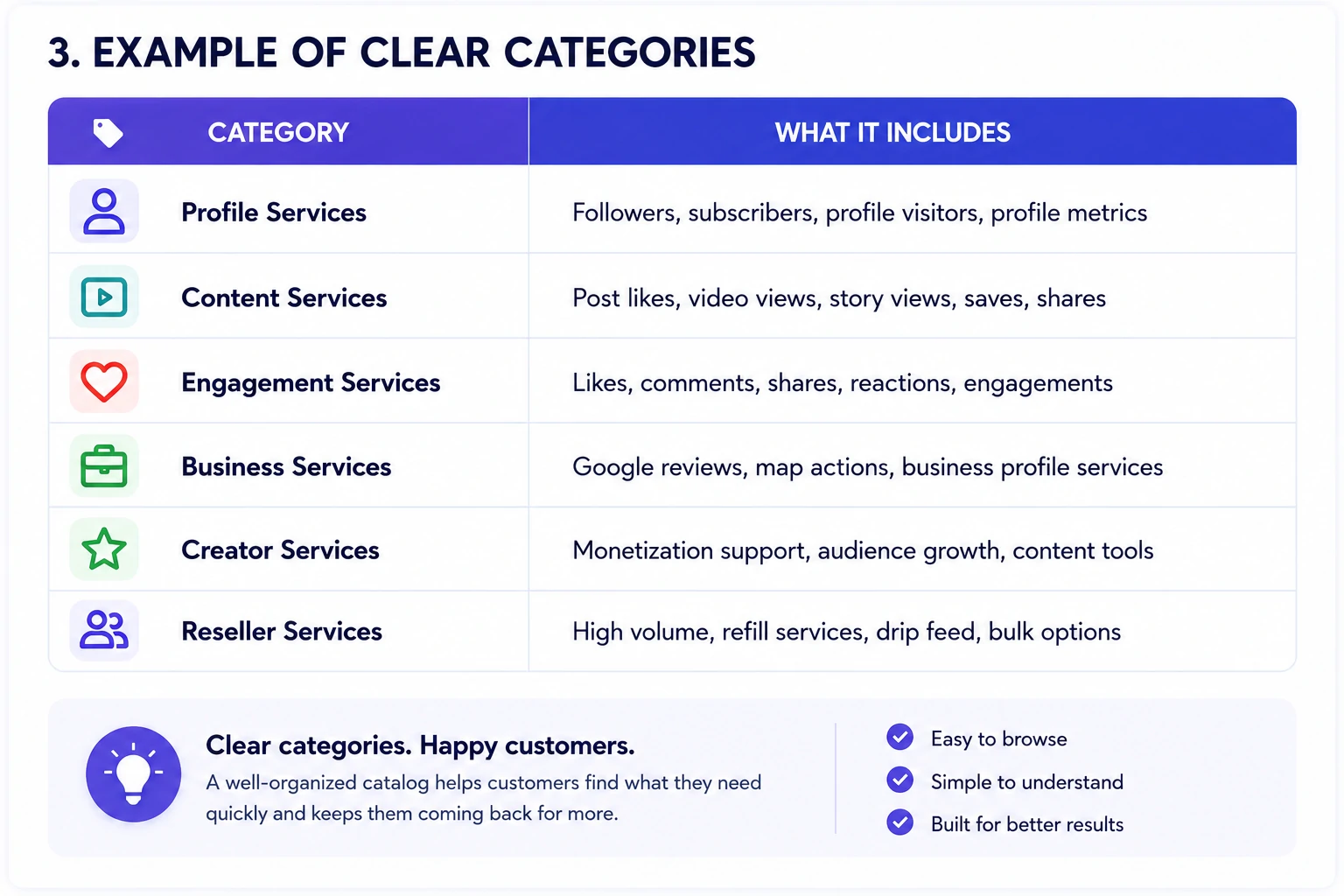
A service catalog should not feel like a messy spreadsheet.
It should feel like a well-organized store.
Users should be able to open the panel, choose a category, understand the available options, and place an order without contacting support for basic explanations.
Good categories make the panel easier to use.
Instead of listing every service in one long list, organize them into logical groups.
| Category | What It Means |
|---|---|
| Profile Services | Services related to account or profile visibility |
| Content Services | Services connected to posts, videos, or published content |
| Engagement Services | Services related to interactions and activity |
| Business Services | Services for brands, local companies, or commercial profiles |
| Creator Services | Services for individuals building a content presence |
| Reseller Services | Services designed for repeat buyers and high-volume customers |
The names should be simple.
Avoid overly technical labels. Avoid vague words. Avoid names that only experienced users understand.
A user should not need to guess what a category means.
Step 4: Choose Services That Are Easy to Explain
If a service is hard to explain, it may be hard to sell.
Each service in your SMM panel should have a clear purpose.
The user should understand:
- what the service is
- who it is for
- what information is required
- how the order is placed
- what the status means
- what limitations may apply.
A strong service listing usually includes:
- clear service name
- short description
- category
- price
- minimum and maximum order size
- required input field
- estimated process notes
- important restrictions
- refund or partial rules, if applicable.
The goal is to reduce uncertainty.
When users understand what they are ordering, they are more likely to trust the panel.
If they feel confused, they may leave or contact support repeatedly.
Step 5: Avoid Misleading Claims
Trust is one of the most important parts of an SMM panel business.
That is why your service catalog should avoid unrealistic or misleading promises.
Do not describe services in a way that creates false expectations. Do not promise guaranteed business results, instant success, viral growth, or outcomes that depend on factors outside your control.
A serious SMM panel should use clear and careful language.
Instead of writing:
“Guaranteed massive growth overnight”
Use something more neutral:
“A service designed to support content visibility within the selected category.”
Instead of writing:
“Best service with perfect results”
Use something more neutral:
“Popular option for users looking for a simple starting point.”
This does not make the catalog weaker. It makes it more professional.
Customers may be attracted by big promises once, but they return because the experience is clear, reliable, and honest.
Step 6: Check Service Quality Before Adding It
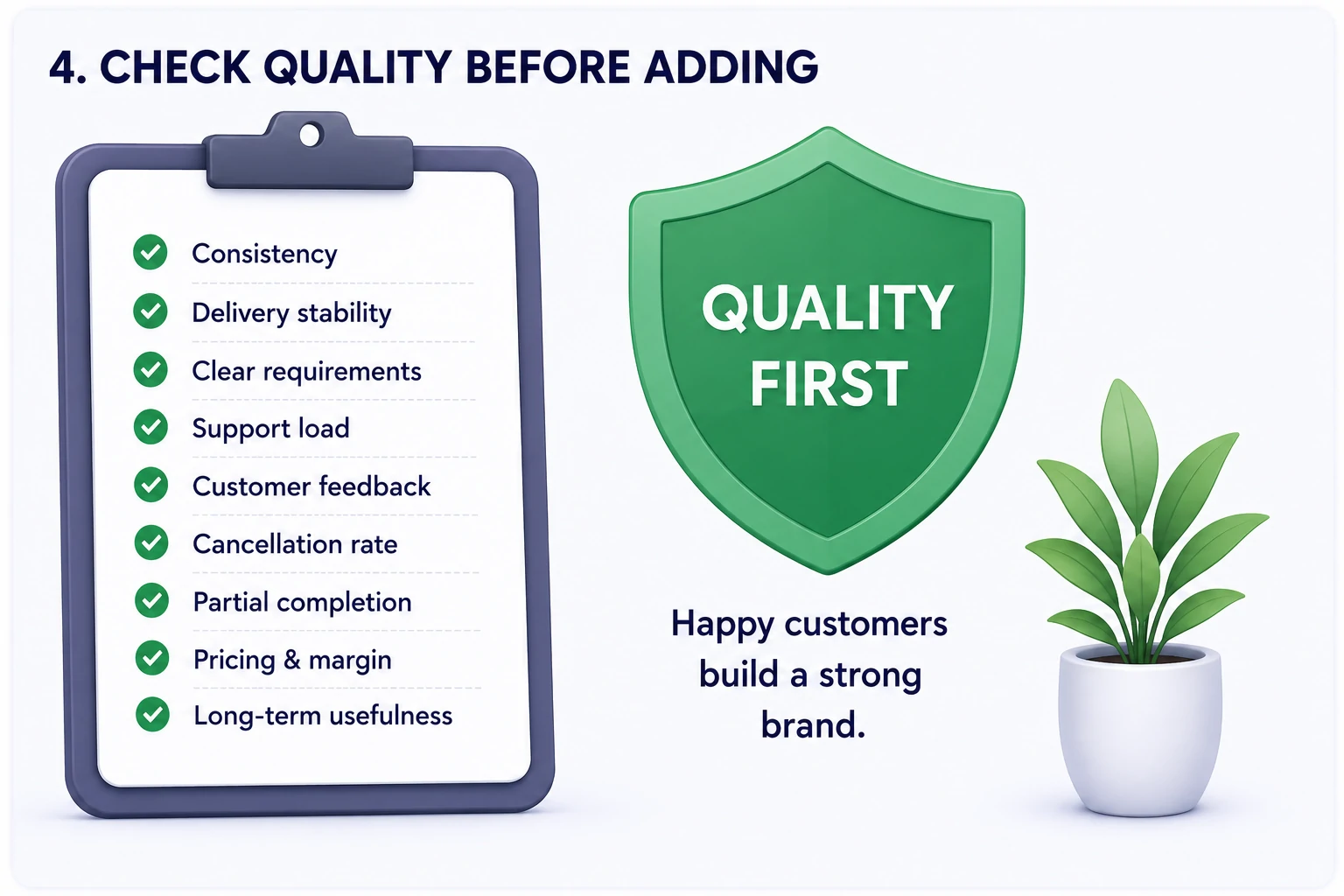
Not every service deserves a place in your catalog.
A common mistake is adding services only because they are cheap or easy to access. But low-quality services can create customer complaints, refunds, support pressure, and damage your brand.
Before adding a service, evaluate it carefully.
Look at:
- consistency
- delivery stability
- clear order requirements
- support load
- customer feedback
- cancellation frequency
- partial completion frequency
- pricing margin
- long-term usefulness.
If a service creates too many problems, it may not be worth offering even if the margin looks good.
A profitable service is not only a service with a high markup.
A profitable service is one that customers understand, order again, and do not constantly complain about.
Step 7: Set Clear Minimums, Maximums, and Rules
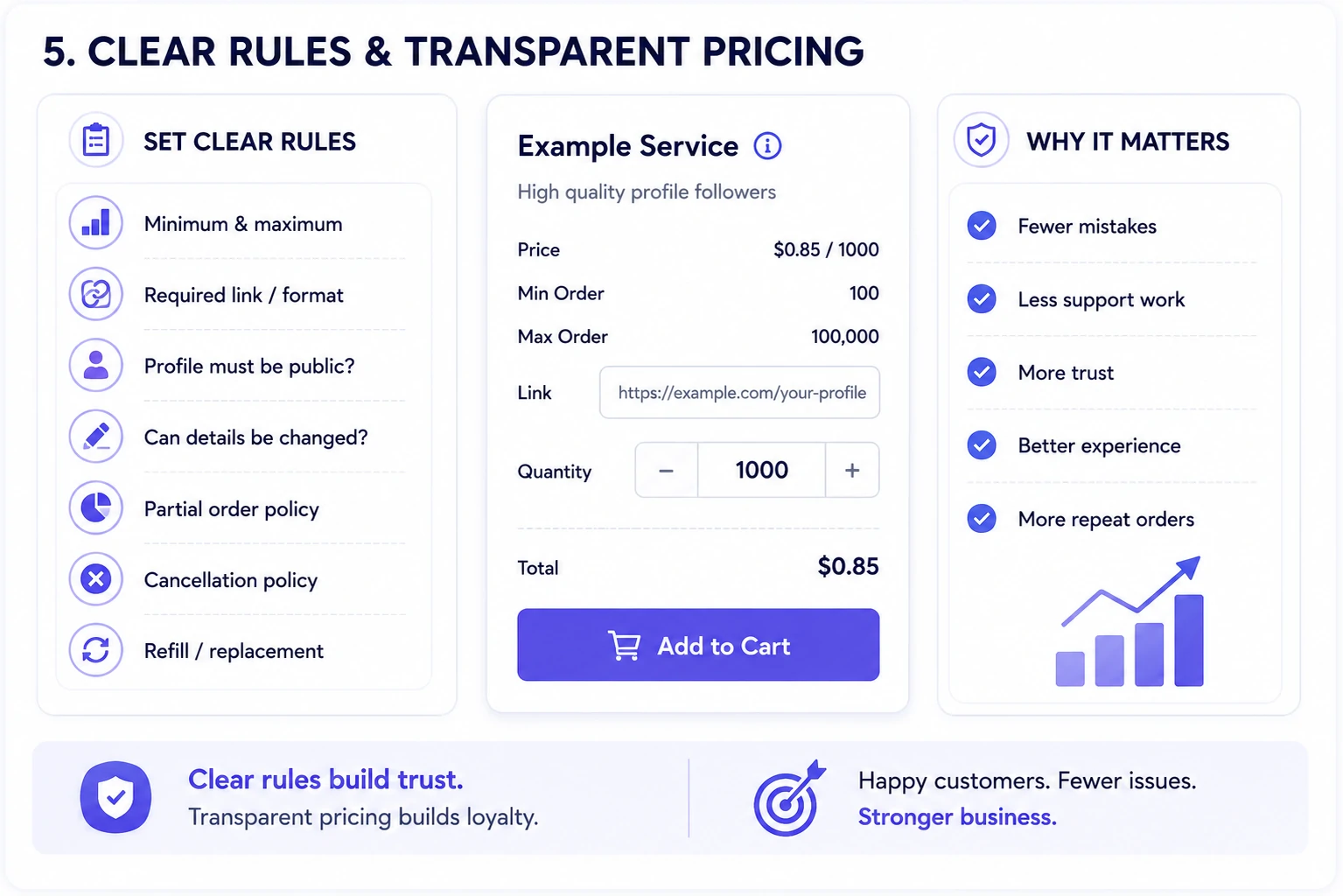
Every service should have clear order rules.
If the rules are unclear, users may place incorrect orders. This creates support tickets, cancellations, and frustration.
For each service, define:
- minimum order quantity
- maximum order quantity
- required link or input format
- whether the profile or content must be public
- whether changes can be made after order submission
- what happens if an order is partial
- when cancellation may apply
- whether refill or replacement rules exist.
These rules should be visible before the customer places an order.
A clear rule is better than a long support conversation after something goes wrong.
The more information you provide upfront, the fewer misunderstandings you will have later.
Step 8: Think About Pricing and Margins
Choosing services is not only about what customers want.
It is also about whether the service makes sense for your business.
Before adding a service, ask:
- What is the base cost?
- What margin can I set?
- Is the price competitive?
- Will support time reduce the profit?
- Is this service useful for repeat customers?
- Can it be included in reseller pricing?
- Does it fit my brand positioning?
A service may look attractive, but if it creates too many support issues or has a very low margin, it may not be worth keeping.
Your pricing should be simple and transparent.
Avoid making users calculate too much. If the pricing feels confusing, users may hesitate before topping up their balance.
A good pricing structure helps customers make decisions faster.
Step 9: Create Different Options for Different User Types
Not all customers are the same.
Some users are beginners and want simple, low-risk options. Others are resellers or agencies who need volume, speed, and repeat ordering.
You can organize your catalog to serve different user types.
Beginner-Friendly Services
These should be easy to understand, clearly described, and suitable for first-time users.
They help new customers test your panel without confusion.
Standard Services
These are the main services that most customers will use regularly.
They should be stable, clearly priced, and easy to reorder.
Reseller Services
These may be designed for repeat buyers, larger volumes, or users who manage many client requests.
Resellers often care about pricing tiers, consistency, and efficient order management.
Premium Services
These may focus on better experience, clearer process, stronger support, or higher priority handling, depending on your business model.
The goal is not to create too many levels.
The goal is to make the catalog easier to navigate for different types of customers.
Step 10: Use Descriptions That Help Users Decide
Service descriptions should be short, clear, and useful.
A bad description creates confusion.
A good description helps the user decide.
Avoid descriptions that are too generic, such as:
“Best quality service.”
Instead, explain the service in plain language:
“Suitable for users who want a simple option for supporting content visibility in this category.”
A good description may include:
- who the service is for
- what the user needs to provide
- what to check before ordering
- important limitations
- whether the service is beginner-friendly
- whether it is suitable for repeat orders.
Do not overload descriptions with unnecessary details.
The customer should get enough information to make a decision, but not so much that the catalog becomes hard to read.
Good service descriptions reduce support work and increase trust.
Step 11: Test Demand Before Expanding
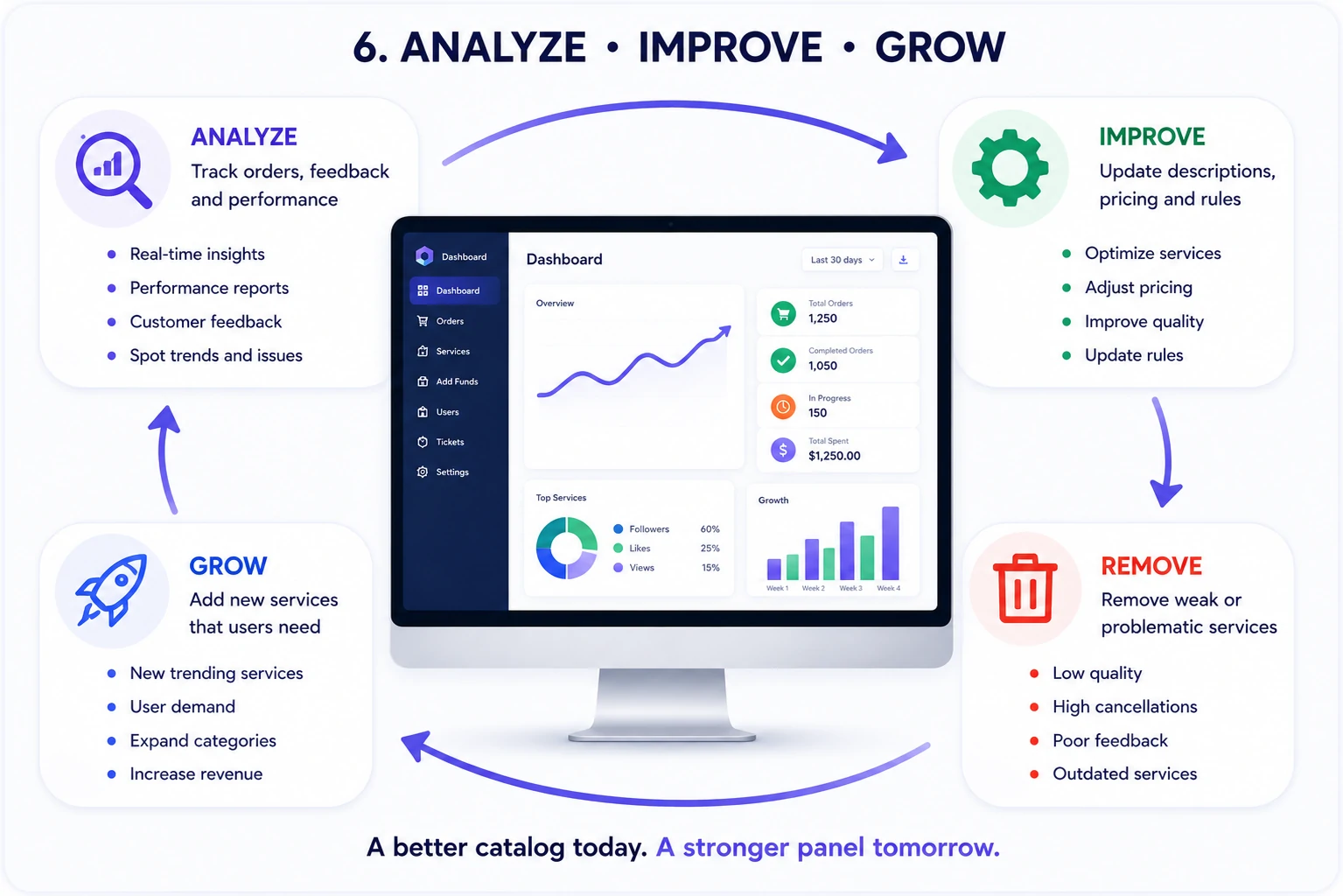
Do not expand your catalog too quickly.
First, look at real user behavior.
Track:
- which services get the most orders
- which services get repeat orders
- which services create complaints
- which services are ignored
- which categories users browse most
- which services users ask about
- where users drop off before ordering.
This data helps you decide what to keep, improve, remove, or expand.
For example, if a service gets many views but few orders, the price or description may need improvement.
If a service gets many orders but also many complaints, the quality or rules may need review.
If a category gets no attention, it may not match your audience.
If customers repeatedly ask for the same missing service, it may be worth adding.
A successful catalog is not built once.
It improves over time.
Step 12: Remove Services That Hurt the User Experience
Adding services is easy.
Removing weak services is harder, but it is often necessary.
You should consider removing a service if it:
- creates too many support tickets
- has unclear rules
- causes frequent cancellations
- has poor customer feedback
- does not fit your target audience
- has weak margins
- damages trust
- is rarely ordered.
A smaller, cleaner catalog is often better than a large catalog full of problematic options.
Every service affects your brand.
If customers have a bad experience with one service, they may judge the entire panel.
That is why service quality and clarity matter.
Step 13: Keep Your Catalog Updated
An SMM panel catalog should not stay frozen forever.
Customer needs change. Service performance changes. Pricing changes. Your business focus may also change over time.
Review your catalog regularly.
You can check:
- service names
- descriptions
- pricing
- categories
- minimums and maximums
- support questions
- completion rates
- customer feedback
- outdated services
- new service opportunities.
A regular catalog review helps you keep the panel clean and useful.
It also shows customers that your business is active and maintained.
An outdated catalog can make the panel feel abandoned.
A well-maintained catalog builds trust.
Step 14: Make the Catalog Easy to Use Inside the Panel
Even good services can perform badly if the interface is confusing.
Your SMM panel platform should make the catalog easy to browse, search, and order from.
Users should be able to:
- find services quickly
- understand categories
- compare options
- see pricing clearly
- read important notes
- enter order details easily
- check final cost before submitting
- track the order after purchase.
A good interface reduces friction.
If users need too much time to find the right service, they may leave.
The service catalog should feel simple, structured, and predictable.
How Nova Panel Helps You Manage SMM Services
Nova Panel is designed to help entrepreneurs launch and manage an SMM panel without building the full system from scratch.
For service management, the platform gives you the structure needed to organize your business more clearly:
- service catalog
- customer dashboard
- order management
- balance top-ups
- payment flow
- user accounts
- account settings.
This helps you focus on the business decisions that matter most:
- which services to offer
- how to group them
- how to price them
- how to improve descriptions
- how to reduce confusion
- how to support customers
- how to grow over time.
A strong catalog is easier to build when the platform itself is organized.
Nova Panel gives you the foundation to launch faster, manage services more efficiently, and create a better experience for your customers.
Final Thoughts
Choosing the right SMM services for your panel is not about adding the biggest possible list.
It is about building a service catalog that is clear, useful, focused, and easy to manage.
Start with your audience.
Choose services that match their needs.
Group them into simple categories.
Write honest descriptions.
Set clear rules.
Track performance.
Remove weak services.
Improve the catalog over time.
A good SMM panel service list helps customers make decisions faster and reduces support pressure for the business owner.
The best catalog is not the largest catalog.
The best catalog is the one your customers can understand, trust, and use again.
Nova Panel gives you the tools to organize your services, manage orders, and build a better SMM panel experience without creating everything from scratch.
FAQ
What services should I add to my SMM panel first?
Start with a focused list of services that match your target audience. Choose services that are easy to explain, clearly priced, and useful for repeat customers. Avoid adding too many options before you understand real demand.
Is it better to have many services in an SMM panel?
Not always. A large catalog can confuse users if it is poorly organized. A smaller, clearer catalog often performs better because customers can understand it faster and place orders with less hesitation.
How should I organize my SMM panel service catalog?
Group services into simple categories based on customer needs. Use clear names, short descriptions, visible pricing, and easy order instructions. The catalog should feel structured, not like a long random list.
How do I know if a service is worth keeping?
Track order volume, repeat orders, customer complaints, support questions, cancellation frequency, margins, and user feedback. If a service creates too many problems or does not fit your audience, it may be better to remove or replace it.
How often should I update my SMM panel services?
You should review your catalog regularly. Update names, descriptions, pricing, categories, minimums, maximums, and rules when needed. A maintained catalog helps build trust and keeps the panel useful.
How can Nova Panel help with SMM services?
Nova Panel gives you the structure to organize your service catalog, manage orders, handle balance top-ups, support users, and operate your SMM panel from one platform. This helps you focus on service quality, pricing, and customer experience.